(I hope the title uses the correct terminology - apologies if not.)
I have an integration that monitors a switch that controls a fan in my bathroom. I also have a sensor in the bathroom that monitors the humidity. The idea is that if I forget to turn on the fan before having a shower then the humidity sensor will trigger and turn on the fan via an automation. All this is working OK.
What I want to add is that if the fan is turned on manually then it can stay on until turned off manually. However if the fan is turned on by the automation then I want it to turn off automatically after 30 minutes. (This is to get over the possibility of a false trigger when no one is in the bathroom.)
Is there a way to achieve this - a manual turn on stays on but an automated turn on is time limited?
Susan
Use a timer helper. The automation can start the timer. Automation to turn it off when the timer completes. Can be same automation or different.
Hi,
Does Home Assistant know when you turn on the fan manually?
Fan status? Power usage of the fan?
That won’t matter with the timer with my idea.
The timer will only start with the automation. The automation will only turn the fan off when the timer ends.
You are right. Sometimes I have to read the question 3 times 
Something like this …
Change the first trigger to your humidity trigger.
The second trigger should be your timer finishing.
Add an if statement in the actions for trigger.id == ‘on’ to start the timer.
alias: Server Room Fan
description: ""
triggers:
  - trigger: numeric_state
    entity_id:
      - sensor.server_room_thermometer_temperature
    above: 80.5
    id: "on"
  - trigger: numeric_state
    entity_id:
      - sensor.server_room_thermometer_temperature
    below: 76.6
    id: "off"
conditions: []
actions:
  - action: switch.turn_{{ trigger.id }}
    target:
      entity_id: switch.server_room_fan
    metadata: {}
    data: {}
mode: single
The timer will survive a reboot.
Yes you can do this, see: How to use context
Thank you everyone.
I now have quite a bit to play with try out.
Susan
OK - here is where I am at:
- the first automation (triggering the fan to turn on when the humidity spikes) is working nicely and the fan turns on
- the second automation (triggered when the fan is turned on) is not going so well.
I used the GUI to create the automation and the YAML that was generated is:
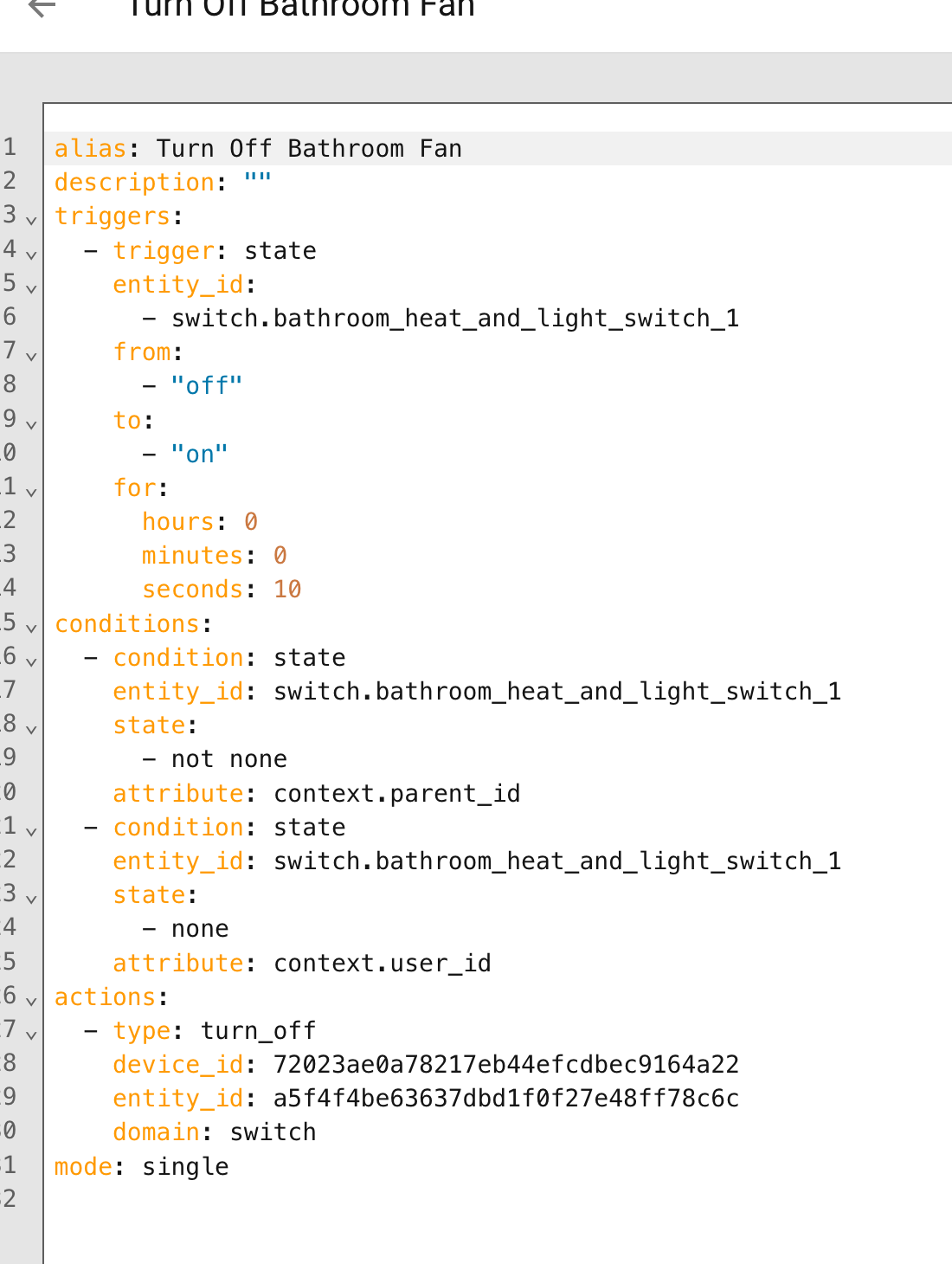
The automation fails at the first condition:
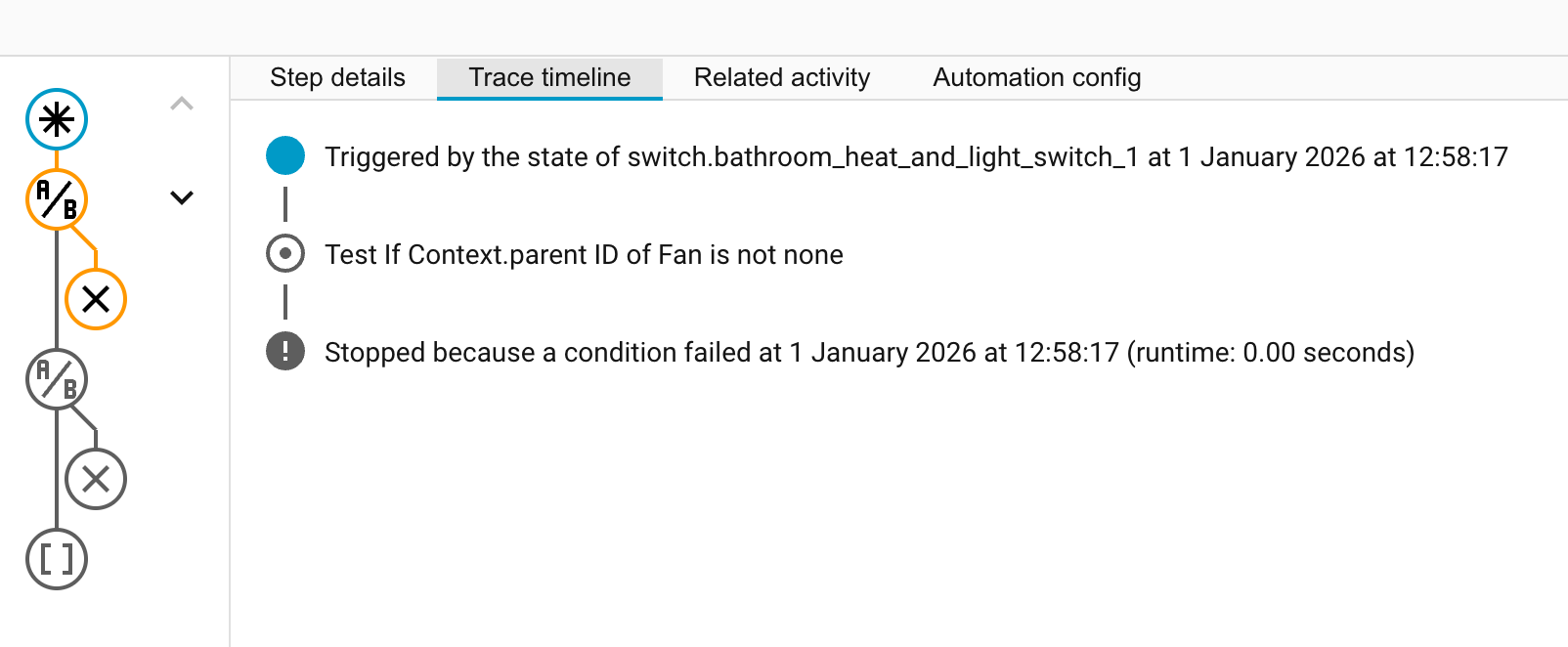
The values of the context items are:

As you can see, the parent_id is not none and the user_id is none which corresponds to the “HA Automation” states as per @tom_l 's linked posting.
Where have I gone wrong?
Susan
Hi Susan,
I have two blueprints that may help you. If your switch is separate to your fan then you only need the bathroom humidity exhaust fan blueprint.


Blacky 
You have a single automation above with some minor changes that will do what you ask!
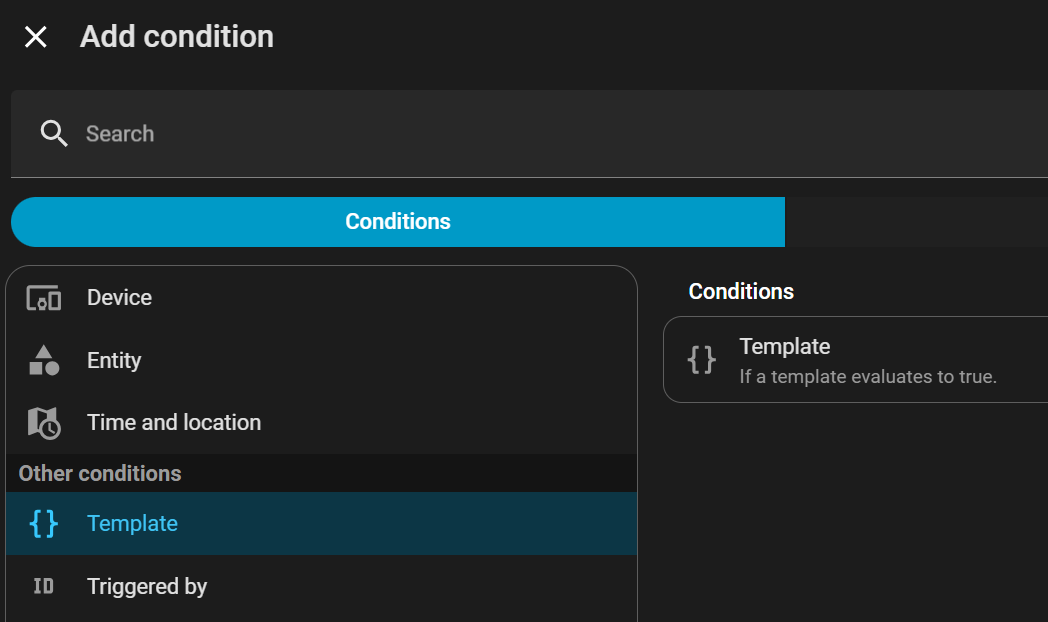
Tom’s post shows you that you need to use a template condition (available in the UI too).
You seem to have missed that part and are trying to use an invalid state condition (none / not none) using an attribute which doesn’t exist (context.user_id).
Delete those state conditions and set them up as templates using the examples from Tom’s post:
@ShadowFist - thank you for putting me right.
It is all working now - thank everyone.
Susan