v1.2.0-BETA-8 has been released
 Implemented EAN Code Reader
This feature currently supports EAN-13 barcodes, limited to food products only.
The reason is simple — there is no free global EAN database available, except for the Open Food Facts project:
 https://world.openfoodfacts.org
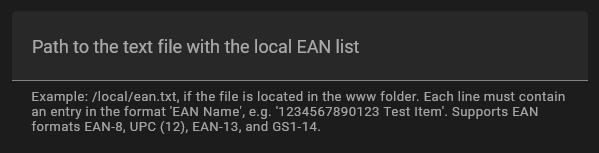
In the future, I might add support for a local EAN list (similar to the local categories or local chips feature).
How to use
The feature is automatically triggered when:
- an EAN-13 barcode is scanned using the camera, or
- an EAN-13 number is entered manually into the input field.
You can test it by entering this example code: 4337256383165
 Added ToDo Mode
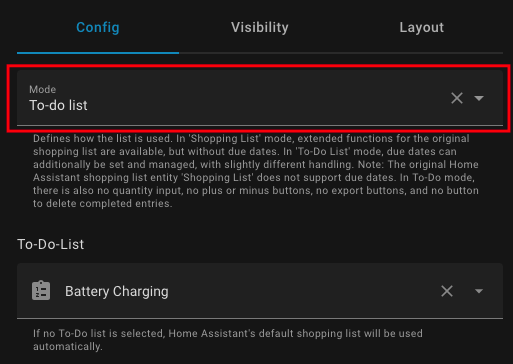
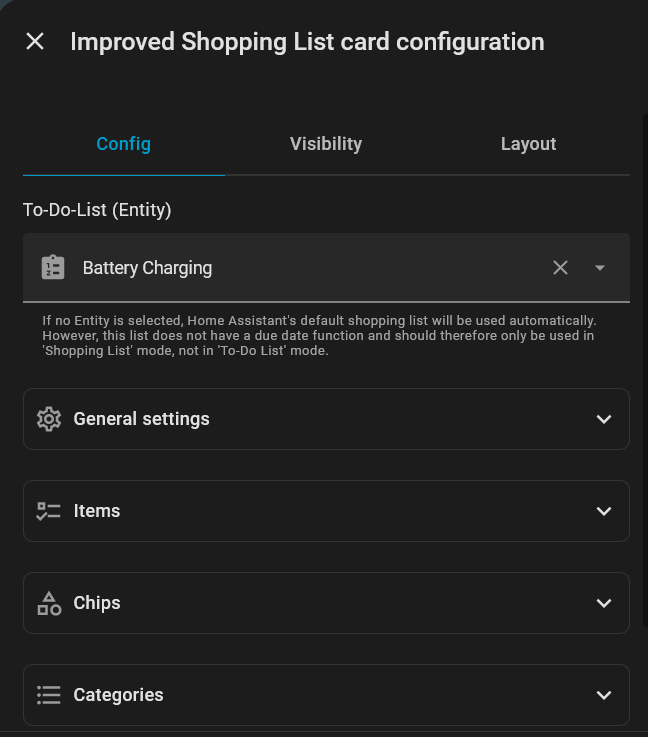
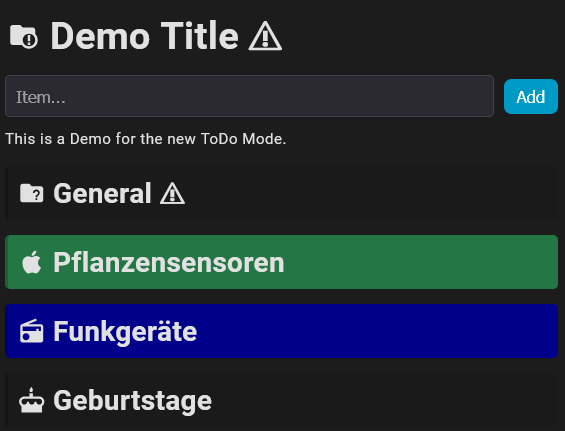
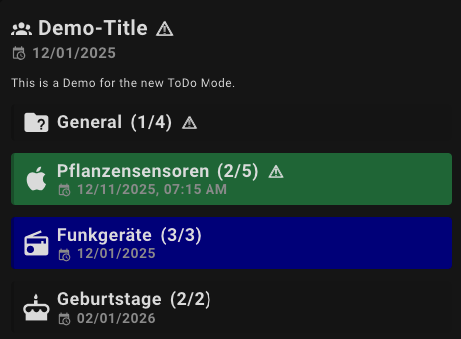
The new ToDo Mode transforms the Home Assistant ToDo list into a kind of task manager with recurring due date functionality.
Key features include:
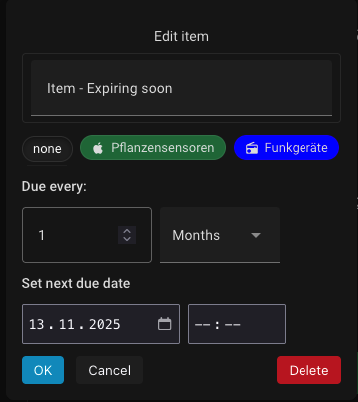
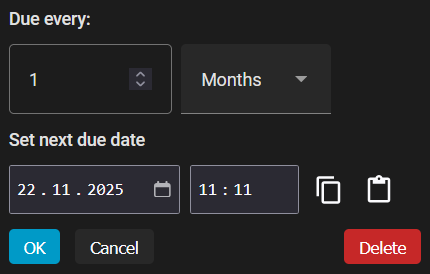
- Set recurring due dates and due times for each item.
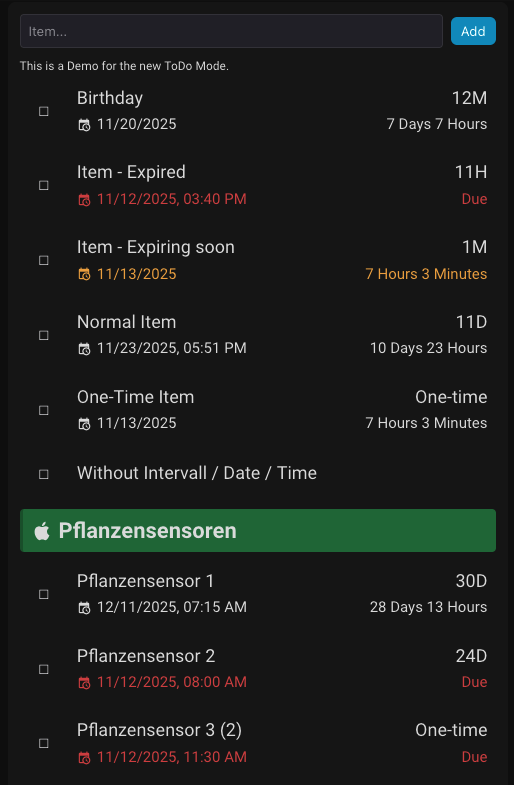
- Automatic calculation and display of remaining time until due, with intuitive formatting (e.g., days & hours, months & days).
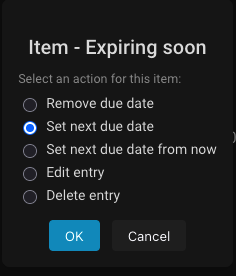
- Flexible options when marking tasks complete, such as removing the due date or scheduling the next due date based on custom intervals.
- Visual indicators for upcoming or overdue tasks with configurable warning thresholds (currently only via YAML, see below).
- Streamlined UI without quantity input or export buttons, optimized specifically for task management.
List View:
Edit Mode:
Acknowledge an item:
Configuration of Warning Thresholds for ToDo Due Dates
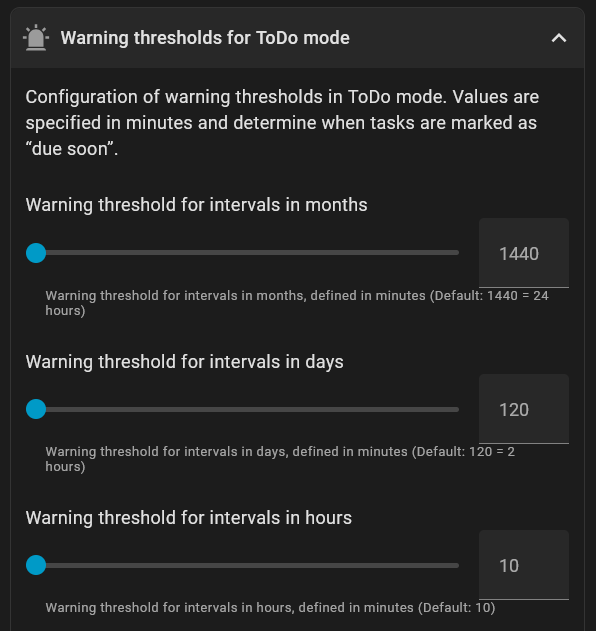
In ToDo Mode, you can configure when upcoming tasks are visually marked as “due soon” based on configurable warning thresholds. These thresholds are defined in minutes and differ depending on the type of interval or due date format:
| Configuration Parameter | Description | Default Value (Minutes) |
|---|---|---|
todo_yellow_m |
Warning threshold for intervals in months | 1440 (24 hours) |
todo_yellow_d |
Warning threshold for intervals in days | 120 (2 hours) |
todo_yellow_h |
Warning threshold for intervals in hours | 10 (10 minutes) |
todo_yellow_s |
Warning threshold for due dates without time | 120 (2 hours) |
If the remaining time until the due date is within the configured threshold, the task will be highlighted in orange to remind you in time.
Example Configuration
todo_yellow_m: 2880  # 2 days (in minutes) for monthly intervals
todo_yellow_d: 240   # 4 hours for daily intervals
todo_yellow_h: 15    # 15 minutes for hourly intervals
todo_yellow_s: 60    # 1 hour for dates without time





 Thanks!




 v2.2.0 Release
 Additional Features (not mentioned in the BETA notes)
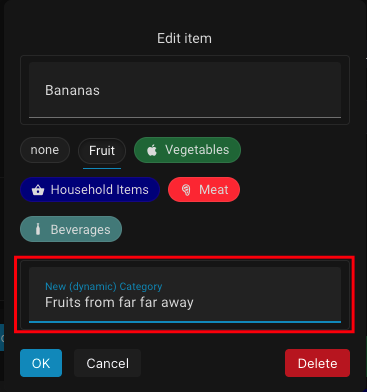
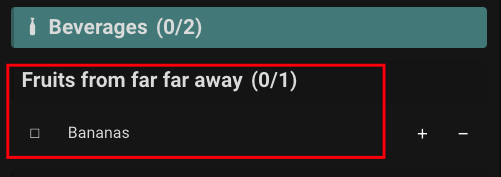
 Added Category Chips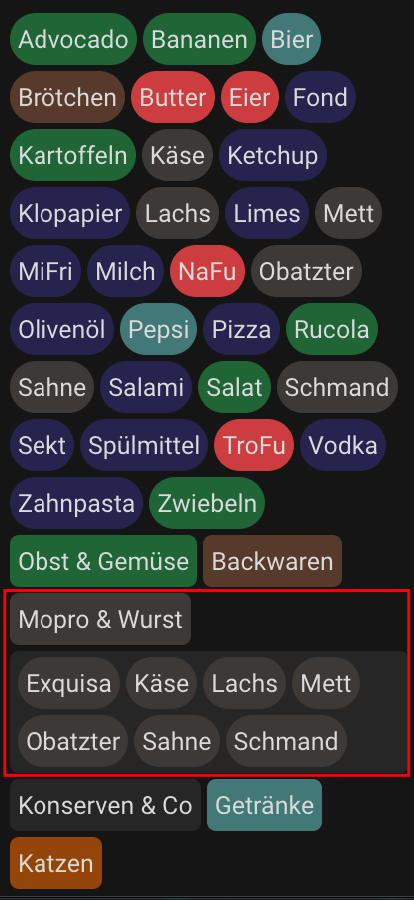
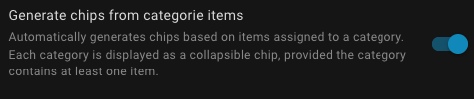
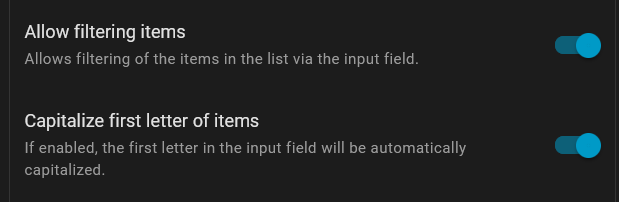
 Added Filter and Capitalize-First-Letter Option