I must have done something stupid, and now some of my alerts aren’t working anymore. Maybe someone here can still help me. I’ve integrated quite a few Homematic IP Cloud devices using the standard integration. While installing this blueprint, a message popped up at some point saying that there was apparently a device with a binary sensor and asking if I wanted to create a helper to generate corresponding percentage values from the binary sensors. I don’t remember if I did that or not. In any case, I currently don’t have any percentage values for the batteries of the Homematic IP devices. During my research, I came across posts suggesting that there are hidden entities that provide the operating voltage. In theory, this could be used to calculate the percentage values. However, none of my devices have these entities. It’s quite possible that I removed them through my actions, but I’m not sure.
Can anyone tell me how I can either restore these hidden entities or how the helper in this blueprint generates the battery levels so I can use them again?
Would it help to remove the devices assigned to the Homematic Access Point (without removing the Access Point itself)? Would the devices then be automatically added again?
How can i start the automation, to check for battery levels more than once per day? If i understand this correctly, i can either use a manual button, or start it daily 1 time at a given timestamp. Isnt it better, to start this every hour or every 2 hours?
I’m not sure if its a bug…but I set the “Battery Low Warning Level” to 15% instead of 20% (default) and keeps notifying about a sensor at 18%…is the only one below 20% btw.
I really like this integration, and it’s been a huge help in managing the many battery-driven sensors and devices I have. One enhancement I’d like to see is something that helps me better understand how long the batteries in my devices last or when their last change/charge was.
For example, I have some battery-driven shades, and the charges are supposed to last roughly 4-6 months. One of those shades seems to need recharging more frequently than the others, but the device history only goes back about 30 days, so that wasn’t much help in diagnosing. I don’t really want to capture and store device history for many months, so I created a simple capability and display table in HA (with some help from Claude) that shows device names, battery levels, and last change/charge dates. The last change/charge date is automatically captured when a battery level goes up significantly over a 24 hour period.
My attempt is a bit of a hack and there’s more manual effort involved than a good automation should require. Any chance something like change/charge state tracking might be added to this blueprint at some point?
Update: I see there’s another integration called Battery Notes - so perhaps I’ll look at that for more assistance in this area.
I tried to scan through the previous responses, but there's 646 of them!
Is there a way to disable the "OK" notifications (when running on a timer)? I'd like to just get notified if there's a low battery, not daily when everything is still OK.
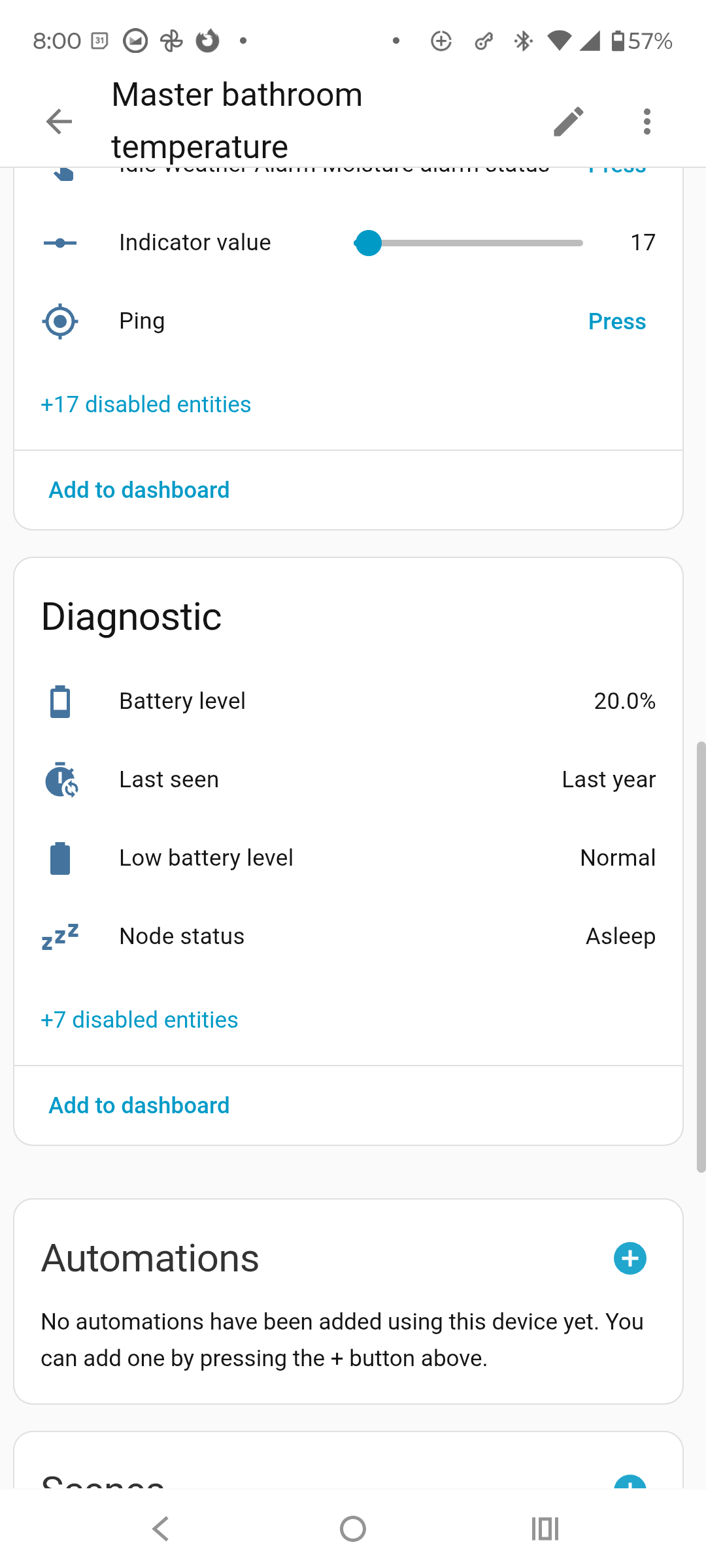
First of thanks for this automation! I was wondering if you could add last seen functionally. I had a z-wave device run out of power and I never realized it because the temperature, humidity, and battery level values always display the last known value!
It would be great if the automation could ping if the last seen is longer than some configurable value. I would also love to use this feature to see if my hard wired z-wave devices ever go offline.
I am waiting for HA to make groups through a helper and not the old way through the configuration.yaml file. This way we can set up blueprints that will work into the future (just encase something is different ).
Yeah this is known and we have posted about this. It is just because you haven't installed the ToDo integration into your HA. You can ignore it or install the ToDo integration developed by HA. Here is the FAQ on it click here.
In Battery settings you have two waring levels you can use.
Battery Low Warning Level
Custom Group - Battery Low Warning Level
Then in easy notify (device, UI or dashboard) in Sensor Selection you have three option. Make sure you select the option that suit you. Looks like you may be using the custom group as well and is why your getting notified at <20%.
Yes the integration called battery notes is what you are after. that will do the tracking of you batteries and then this blueprint is designed to work with it and send the notification.
Battery notes will create another entity of your battery and they give you the option to hide the original entity so you only see one. In this blueprint, in Battery Settings you have Exclude Hidden Battery Sensors option so it will exclude all your hidden entities and you only receive one entity in your notification.
Yes, In your easy notify you will see the option Use The Easy Notify - Device Notification Options just select the Enable Device Notification option and not the Enable Device Notification + Okay Confirmation Message option. This is typical for easy notify.
Found it by myself. I created a new template helper:
{% set status = states('binary_sensor.fenster_bad') %}
{{ 100 if status == 'off' else 9 if status == 'on' else 0 }}
Where binary_sensor.fenster_bad is the binary sensor of a Homematic IP device. Im using 9 as percent value, because i have set your integration to trigger on 10%. I dont know if there is a better variant, but for me, this works fine so far, but im completely new to HA and such things.