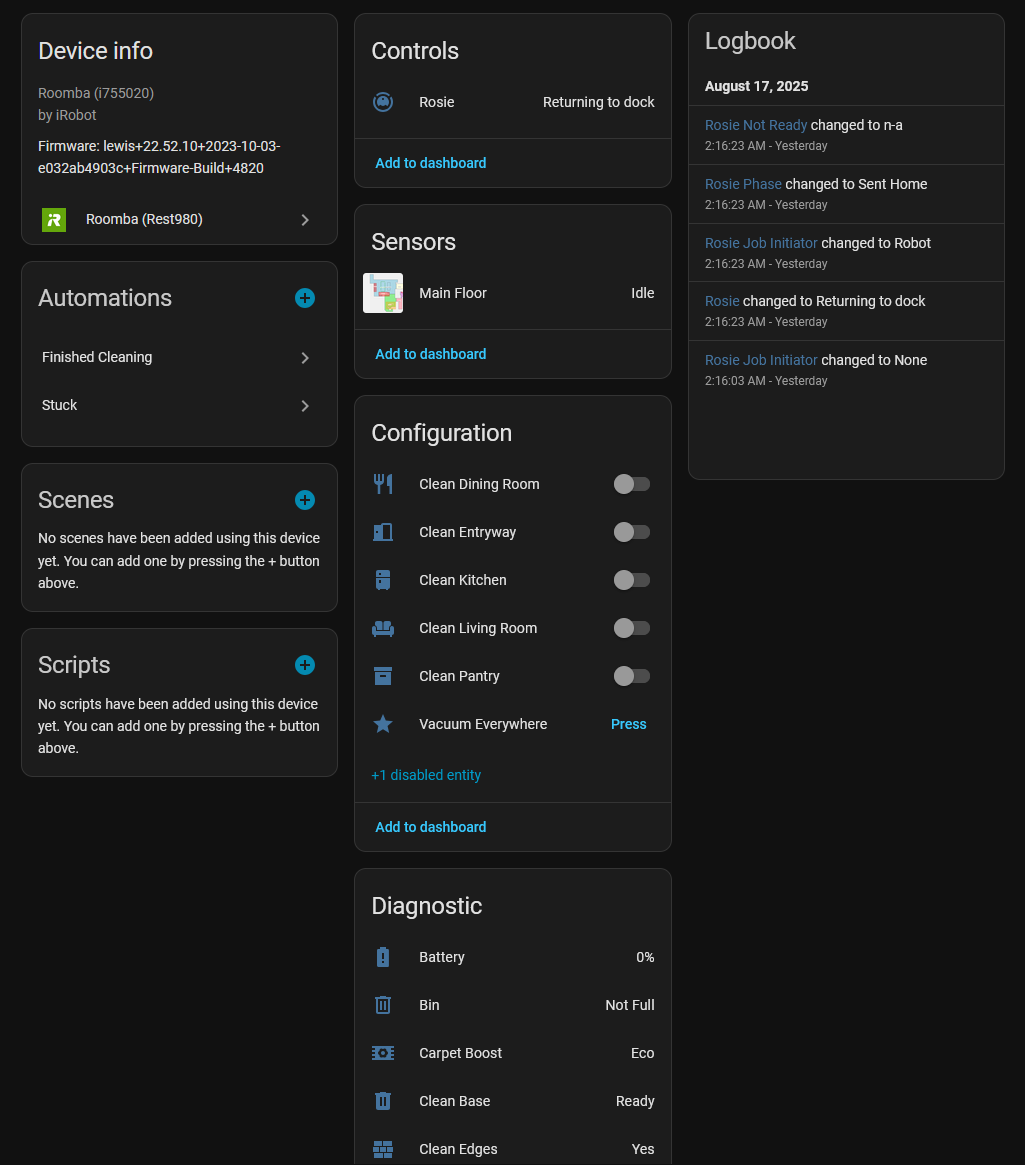
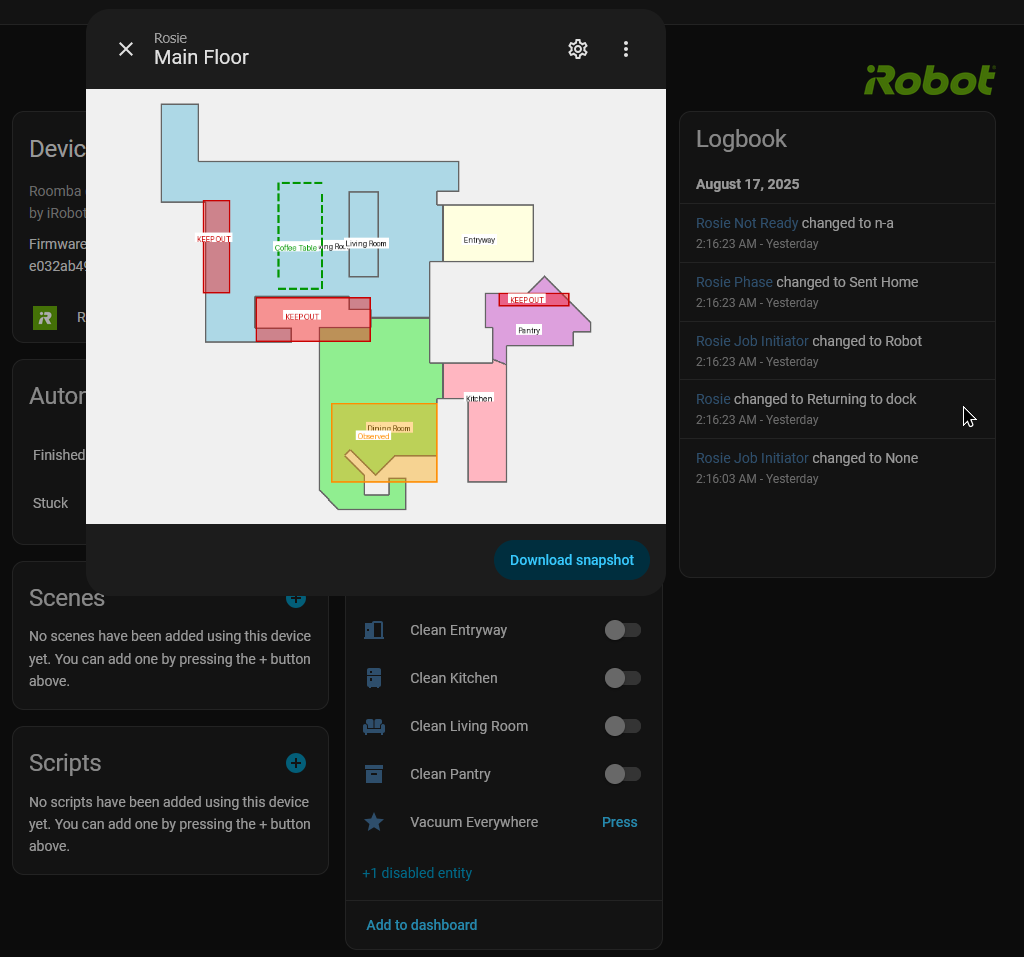
This is my latest project and first ever integration for HA, and it builds on jeremywillans’s YAML configuration while expanding upon it, allowing for selective room cleaning, favorites, and showing a map model (with even more stuff coming soon, as it’s still a work in progress!)
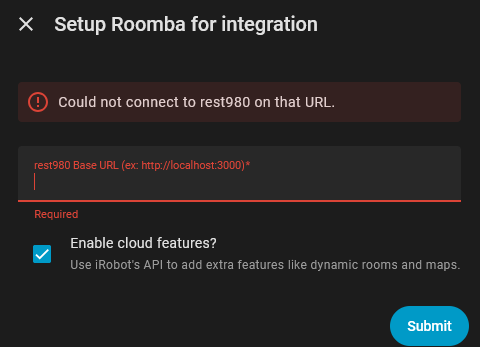
It uses rest980, so it’s easy to deploy that + the integration and start using.
My robot is actually dead as of posting (why battery is 0%, my dock has issues making contact) but here’s the integration working! I’ll replace the images when I fully charge it. Besides that, the state is what was last before it died.
Maps / Rooms
Maps are not given locally anymore (firmware 2+), which is why this integration allows you to login with your iRobot Home credentials to actually give you the convenient options of switch-based room selection. You can however still send a manual JSON command if you want to stay local/know how to for any reason.
You are also not locked to being cloud + local, you can stay fully local if you just want the attributes! I even left the raw attributes exposed in case I missed a sensor.
Real-Time Position
I’m trying to reverse engineer the Roomba to figure out if getting pose data back is ever possible without major modification. I’ll post an update if I ever find anything!
Please let me know what you’d like to see added or if you encounter any issues, I’ll check this thread and the GitHub.
I’m still using the core integration. But with the problem (not sure if 100% related, but always the case), that I cannot really use the irobot app. If I use the core integration option “continuously” the integration gets their data, but most of the app action stay without any action from the i7. If I switch of “continuously”, I can always use the app and every action is stating, but the integration gets poor or sometimes no updates.
Is this the case with Rest980 way as well?
And/or any problems if I give it a try in parallel?
I’m not too sure how the core integration works, however this integration allows you to use the iRobot app in parallel because of the way rest980 works. Opening the iRobot app will force HA/rest980 off, but given a few seconds it will reconnect, so it’s as close to parallel as possible.
@ia74 This is great. Thanks! I have this up and running with a docker for each of my Roombas. I see that your are working on the 2-passes option. Is there a way with this integration to send the locate beep command or control the low-high suction on models that support it, like the s9?
Thank you! Glad to hear that it is working well for you.
As of current, unfortunately no locator beep. For some reason (which may be iRobot making that a cloud locked feature !), rest980 only exposes that from the cloud as opposed to locally. Once I get cloud MQTT stable, we will have many more functions including the beep.
As for low-high suction, I will look into that however I don’t have a vacuum that supports that [I only have the i7].
Do you mean to use the selective room cleaning feature? For that, you toggle the switches given to you in the order you want the rooms cleaned then use the start button on the HA Vacuum entity.
If you do not see them, you have to add the robot with the cloud enabled switch. There is currently no way to simply do that with local room configuration [as of current!]. However, if you want do it purely locally you must send the action “rest980_clean” with this payload format (two data fields, one named payload for the actual data being sent to the vacuum, base_url is where the rest980 server is.)
# The numbers in the regions field should correspond to actual room IDs
payload: { "ordered": 1, "pmap_id": "<PMAP ID HERE>", "regions": [1,2,3] }
base_url: "http://your_rest980_server"
If this isn’t what you mean, please let me know so I can try to answer your question better
Favorites is a planned feature, if you add the robot from the cloud you should see them on the UI as buttons but its more of a skeleton for the functionality to be implemented later; it will now as a placeholder and when pressed clean the entire house (which in hindsight may not be great idea).
Locally, you can make an automation to switch the switches in the order you want, then execute the clean command from the vacuum entity.
This happens if you set it up locally; many features we unfortunately cannot get from the local rest980 instance alone. This is due to iRobot not exposing them in the user-side MQTT server.
However, if this is from your cloud login, please share the image again and potentially the logs from HA/my integration as I cannot see it.
You’ll have to set up a second instance of rest980 and point it at the Braava jet, getting the credentials the same way, and adding a second instance of the integration. If you encounter any errors or things look wrong please report back as I don’t have one of these mops!
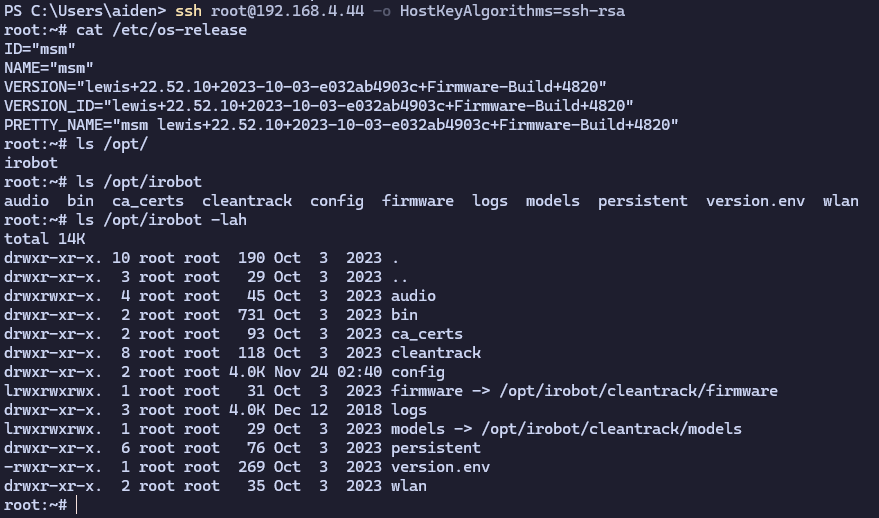
Hey all, not sure I can share the method yet, but for the first time publicly (i believe), me and another person (will add credit if they want) found a stable method to fully jailbreak Roomba, allowing access finally to the internal SSH server, and MQTT broker (and removing the need for cloud access with some tinkering i believe).
All of this reverse engineering has been done with publicly available downloadable firmware packages with Ghidra.
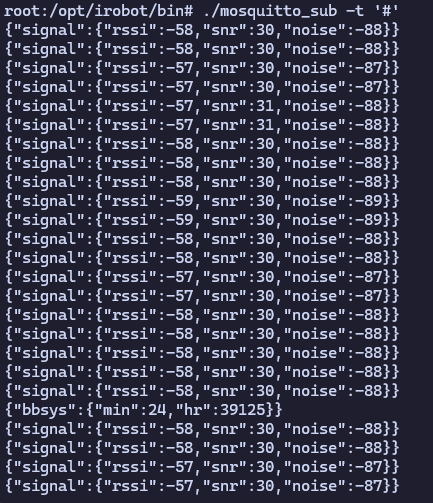
I’ve been working on making this method persistent, and reverse engineering the entire cleantrack (codename for the roomba’s main software) and connectivity_manager (mqtt internal+cloud+local broker) programs to figure out how it works at the low level.
I currently have figured out how to access the upward-facing camera (and take pictures w/ it), but none of the other sensors (yet! just haven’t tried). I believe we can make use of them with some serial communication protocol, but I’ll have to research deeper its communication. Bonus, theoretically at this point, we can control the entire bot ourselves if we get this to work!
As for an update to the pose parameter missing from dorita980, I’m still looking for a way to re-enable it.
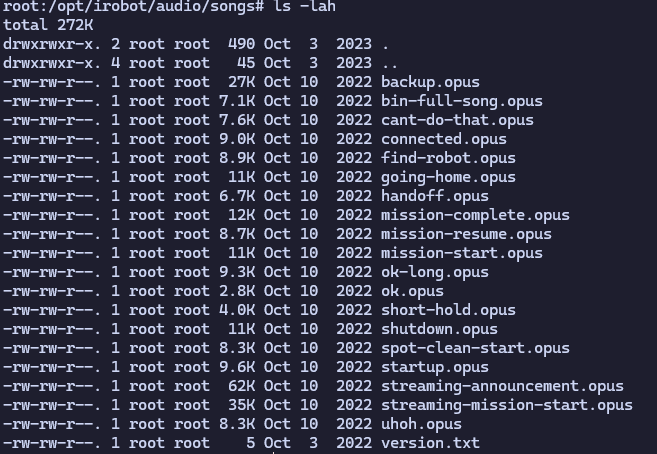
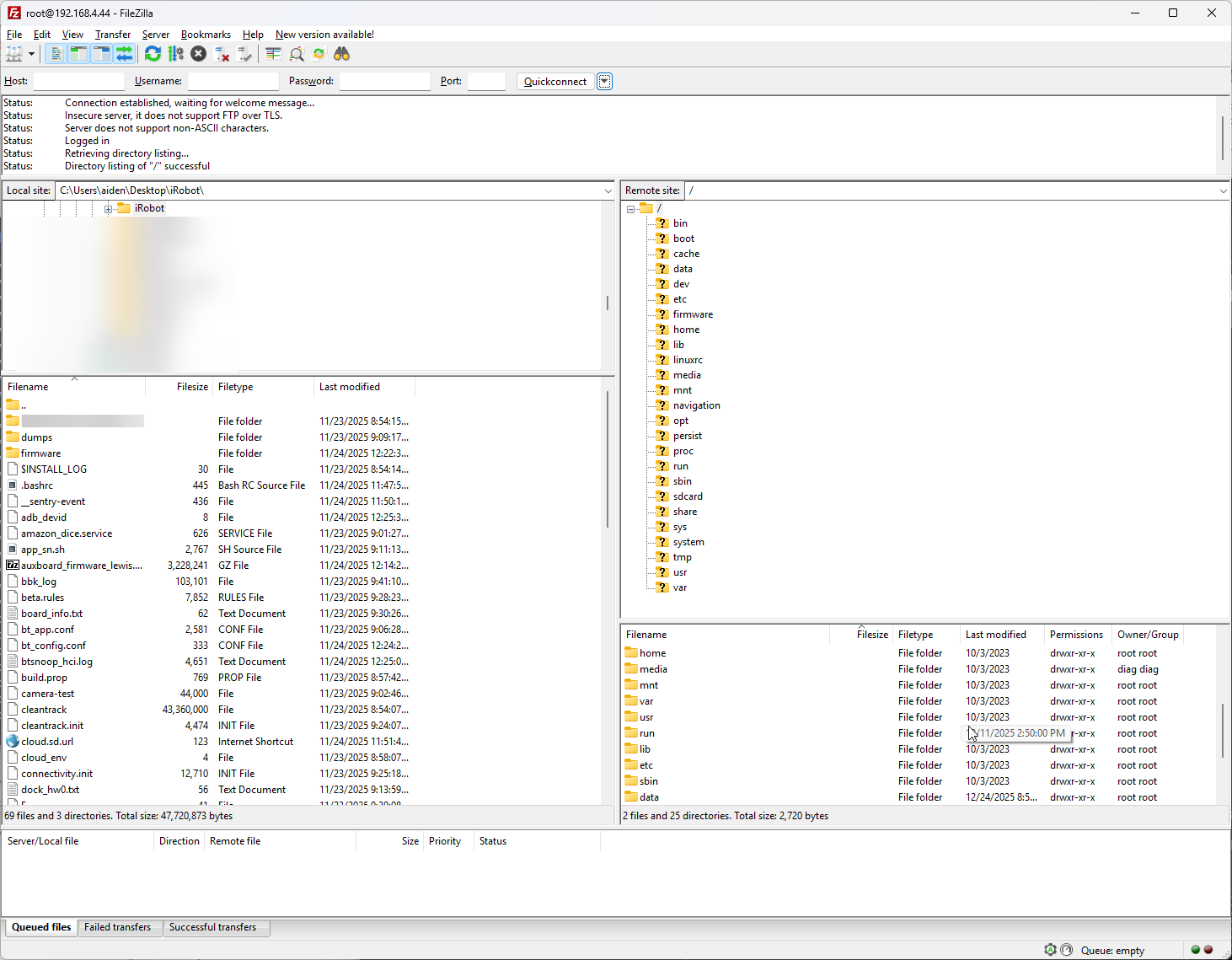
I’ve even managed to get FTP working, its a very limited Ubuntu+BusyBox distro. Digging through the file structure, we can find the very pmaps we previously extracted from the cloud. I also just dumped some files to my main computer to look at and see the contents. Very interesting stuff!
Great findings!! Having read of the iRobot banckuptcy proceedings and the following takeover I’m hoping this jailbreak will enable us to definitely cut the cloud link for our robots like Valetudo did for Dreame&C branded bots…
Thanks for this. Sorry i am new to HA. Followed the steps. When i tried using roombapw addon i get the below error.
> [email protected] getpassword /usr/src/app
> node ./bin/getpassword.js
Make sure your robot is on the Home Base and powered on (green lights on). Then press and hold the HOME button on your robot until it plays a series of tones (about 2 seconds). Release the button and your robot will flash WIFI light.
This step will continue in 10 seconds...
events.js:160
      throw er; // Unhandled 'error' event
      ^
Error: getaddrinfo ENOTFOUND robot_ip robot_ip:8883
    at errnoException (dns.js:28:10)
    at GetAddrInfoReqWrap.onlookup [as oncomplete] (dns.js:76:26)
npm ERR! Linux 6.12.51-haos
npm ERR! argv "/usr/local/bin/node" "/usr/local/bin/npm" "run" "getpassword"
npm ERR! node v6.17.1
npm ERR! npm  v3.10.10
npm ERR! code ELIFECYCLE
npm ERR! [email protected] getpassword: `node ./bin/getpassword.js`
npm ERR! Exit status 1
npm ERR!
npm ERR! Failed at the [email protected] getpassword script 'node ./bin/getpassword.js'.
npm ERR! Make sure you have the latest version of node.js and npm installed.
npm ERR! If you do, this is most likely a problem with the dorita980 package,
npm ERR! not with npm itself.
npm ERR! Tell the author that this fails on your system:
npm ERR!     node ./bin/getpassword.js
npm ERR! You can get information on how to open an issue for this project with:
npm ERR!     npm bugs dorita980
npm ERR! Or if that isn't available, you can get their info via:
npm ERR!     npm owner ls dorita980
npm ERR! There is likely additional logging output above.
npm ERR! Please include the following file with any support request:
npm ERR!     /usr/src/app/npm-debug.log
Hey there! No worries, you have to adjust in the add-on settings the robot_ip entry to what the IP of your Roomba is. The add-on settings are near where you installed it, just under a cog icon.
You can find the IP buried in iRobot’s home (IIRC), or just check the devices connected to your router, it shows up as iRobot-XXXX or Roomba, it should be noticeable.
Sorry I tried adding the local IP address that I am seeing in the router to both roombapw as well as starting the addon roomba_980 , but i get the error
I’m super interested in this, do you have anymore to share? I’d love to poke at mine. I’ve not got the time yet to go reverse it using ghidra and would love to hear the creds and methods etc you used.