Ain’t gonna work in my situation: I also have some guests triggers and time based templates so the lights should work in some time windows when i’m not at home.
So i need to built a entire new automation to toggle a helper and include that in you’re automation.
I’m guessing that i i’m using the “Take control” option in HA and add a template section is the only solution in my case…
I’m talking about making the automation trigger when the Light Entity changes (not Sun/time triggers) - basically a ‘Manual Override’
My goal is smart automation that respects manual control while enforcing rules (sun elevation, time, ambient light, motion, etc).
Manual trigger integration would work like this:
When the target light is changed (on/off/dim) the automation does a condition check (sun elevation, time, ambient light, etc).
Manual Override Time (aka MOT)
→ If the blueprint triggered the light change (motion, sun elevation, time, etc) then an internal flag (MOT) is set based on a user defined time frame (say 3 mins) when the blueprint assumes the light change was not manual.
Logic…
If inside MOT then do nothing / exit automation (skip below 1 & 2)
If outside the MOT, then…
If ANY blueprint conditions are met
→ target light level adjusts to brightness in user defined settings (thus is is night time and will adjust to 10%)
If NO night conditions are met
→ target light is set to Off after user defined timeout (thus is not ‘night’ and the lights should be off)
I wouldn’t use the take control, but it totally up to you. You now have more conditions than your last post. I would just resolve them and keep the blueprint intact.
Have you looked at Manual Control Status Tracker blueprint. I think this will do your MOT. There are some limitations though. Then I think you use bypass option 3.
Hi Blacky. Last few days the automation runs but nothing happens. Cannot figure out why it randomly does this. Some nights the automation works fine (barring zwave being stupid for a light or two), other nights absolutely nothing happens. Last two or three nights, nothing has happened at all even though the automation has ran.
I do have this automation activating another automation that controls lights that turn on at the same time but the second automation turns just those lights off at 3am.
does the automation not reset this toggle on its own every morning when an OFF situation occurs? It’s a helper toggle so the only thing that uses it is this automation. I just noticed it’s still on and the lights should all be off (but there are some lights that are still on which is also a battle I face with this automation). As far as I can tell the zwave mesh is healthy but it’s been a battle to deal with zwave so much that I am likely not going to use it again at my next home. Just too invested in it in this house so far.
Could you please provide us your YAML of the automation? This YAML code are the settings you have selected in the automation so I can help. To do this go into your automation, top right 3 dots, Edit in YAML, copy all the code, come back to the forum and in your reply at the top tool bar click on “</>” and paste code in there.
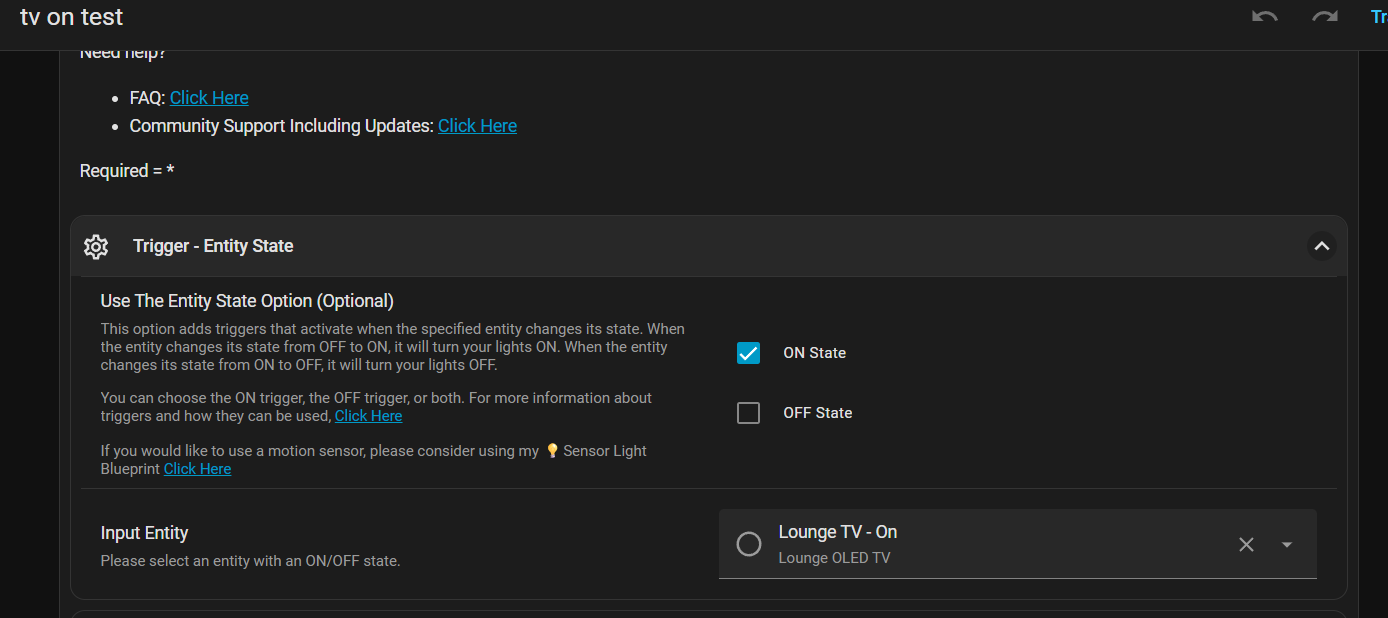
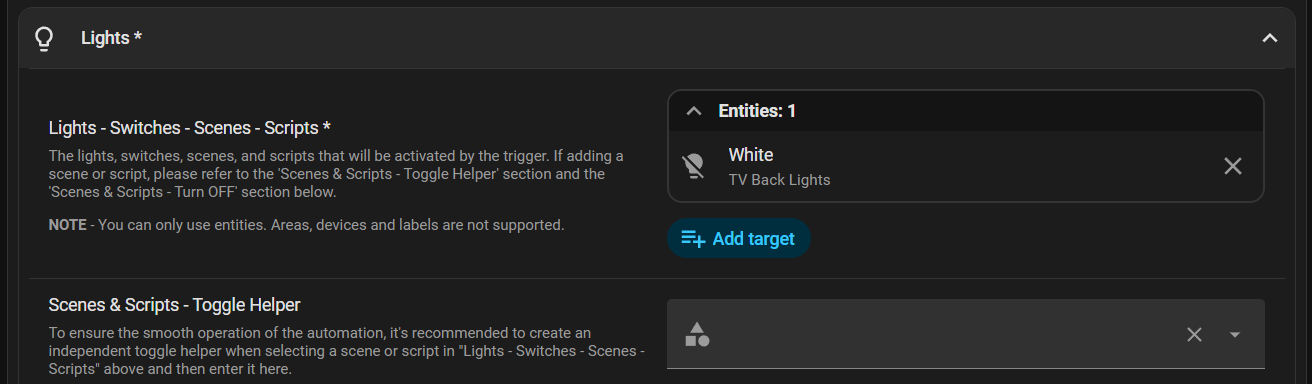
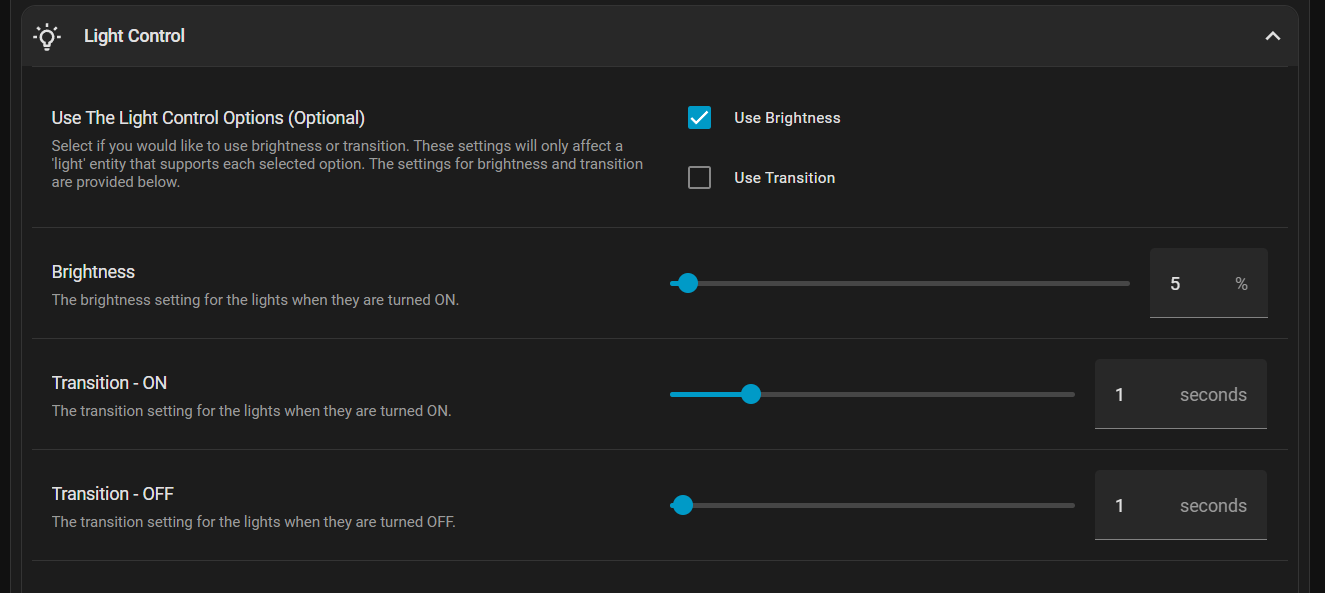
I have an LED strip at the back of the TV, I want to control the brightness of them when the TV is On / Off.
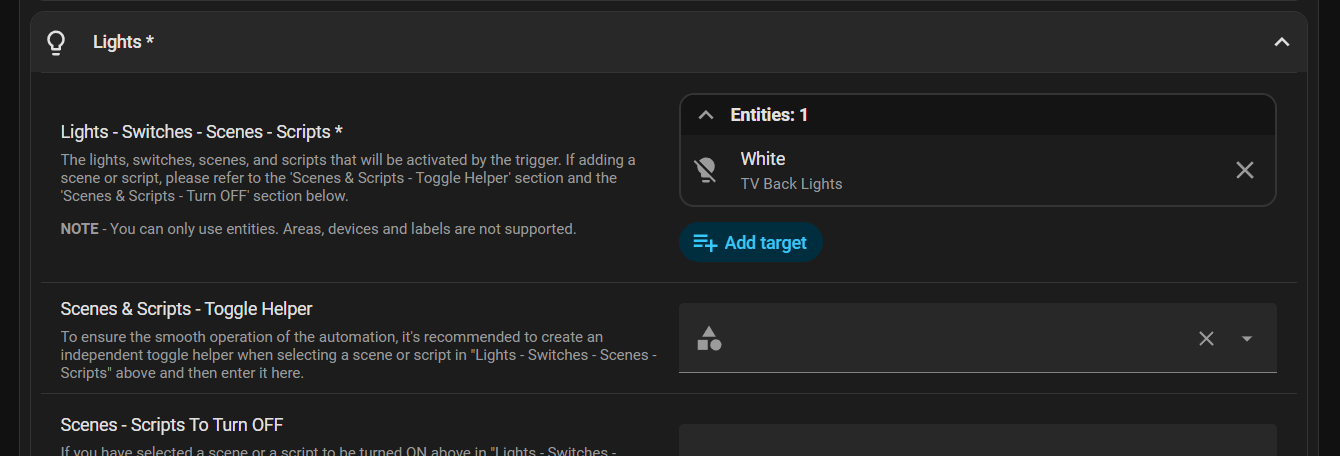
I’ve tried to setup the automation as follows, but it doesn’t seem to be working.
The TV uses the following state ID: [media_player.lounge_oled_tv]
From what I can see, it has 4 states, on, playing, off, unavailable
on - When the TV is initially turned on
playing - Changes to this state is something is being watched
off - when the TV is turned off
unavailable - Changes to this state shortly after being turned off
Suggested documentation improvement for the smart-light blueprint
I ran into some confusing behavior with the time settings and wanted to suggest a small clarification that might help other users.
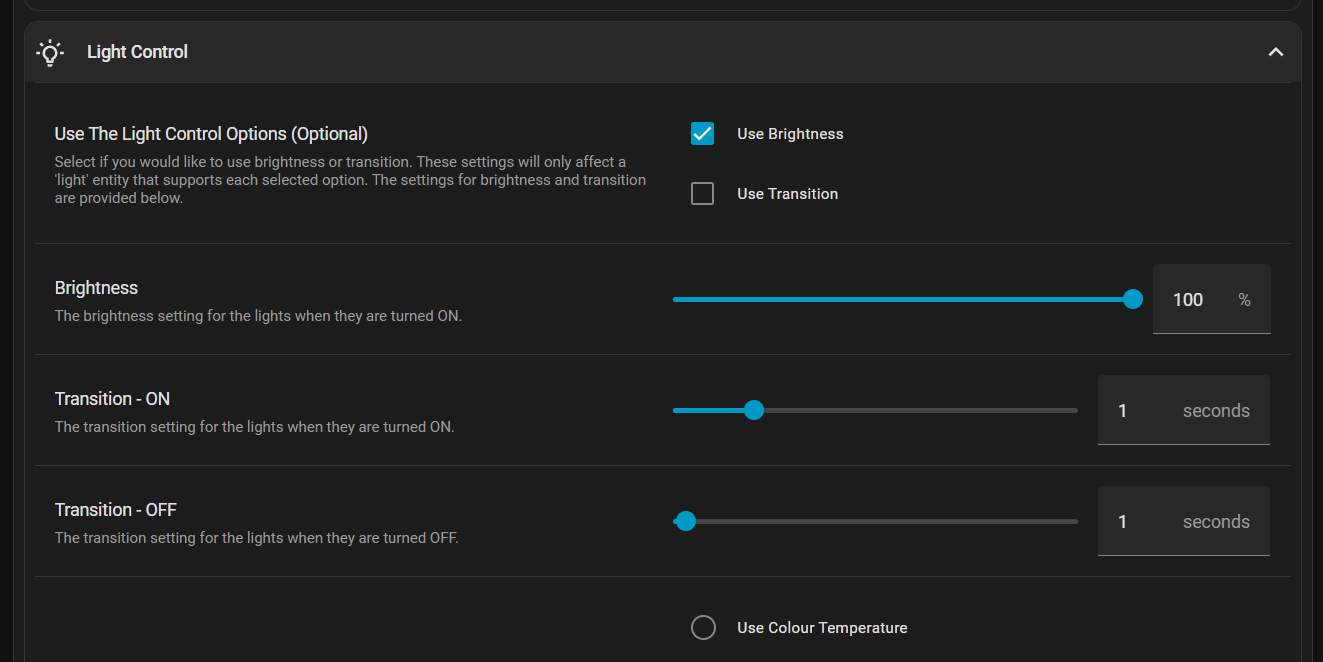
When the option time_on is included in include_time, the blueprint switches into its advanced time mode. In this mode, the value of time_on becomes the only ON-time the blueprint uses. The value of after_time is not used for turning the light on.
If time_on is enabled but not set, the blueprint falls back to a sunrise-based default, which can cause unexpected early turn-ons.
Here is a suggested note that could be added to the documentation:
If you include time_on in include_time, the blueprint uses time_on as the ON time and ignores after_time for turning the light on. To use after_time as the ON time, remove time_on from include_time or explicitly set time_on to the desired time.
This would make the behavior much clearer for new users. Thanks for the great blueprint.
No the automation only controls the lights not the triggers. In your case the input_boolean.night_lights_toggle. You have a scene that you turn ON. The Scenes & Scripts - Toggle Helperinput_boolean.night_lights_toggle_off_at_3am will be turned OFF. In your scene.night_lights_off_at_3am_off in Scenes - Scripts To Turn OFF add your input_boolean.night_lights_toggle to OFF. Then when your scene lights turn OFF it will also turn OFF the toggle helper for you.
Because you going across a day… if you restart your HA in a small time window after 12am your lights may turn back ON… it very hard to get this right in the code because there are so many options. I added HA Restart so if you find this happening your can disable this option.
I don’t explain the code inputs I try to explain the UI inputs. In the UI inputs if you select ON Time that is the time that will turn the lights ON. If you select OFF Time this is the time the lights will turn OFF. It is the same for all the inputs and you can select to turn the lights ON with the Sun Elevation Falling - ON and then turn them OFF with the OFF Time. You can mix and match to your liking.
What your saying is incorrect. I do find it hard to get all the inputs descriptions right…
How to add a condition to this automation (via UI)?
Reason:
I use the low lux trigger with the idea that the lights turn on in the evening. BUT somehow my lux sensor (shelly blu motion) goes from 135 to 125 in the morning while my limit is at 130. The mean is inclining however.
My idea was to only allow this value starting from 15:00 to 20:00 (dusk).
Hi Blacky,
Thank you very much for this Blueprint.
I am trying to get it working but so far with no luck. I just want by few lights to be turned on and off depends on Lux values available from couple of sensors and then if possible adjust color temperature based on Sun position along with brightness controlled based on Lux value.
Please find below .yaml. @Blacky Thank you in advance.
You would only like this to work between 15:00 to 20:00 and only when the lux is below 130.
Try using my Sensor Light blueprint. Then create a time of day helper or a schedule helper. Then use this helper as the trigger. Then set up the ambient and your lights. It will all work.