Hi all,
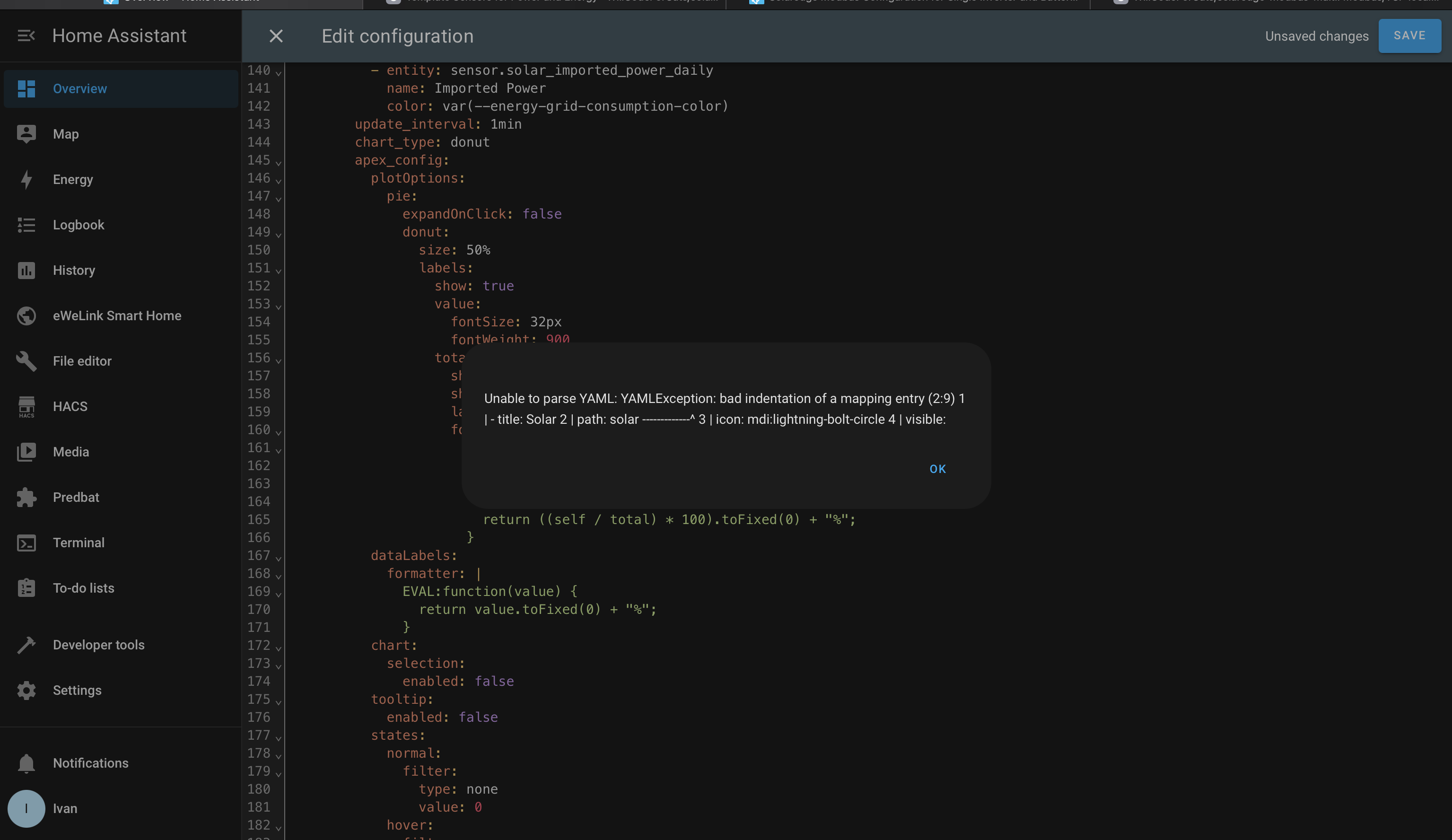
I have the dashboard installed and running but I am having the same problem as SteveJay (in post 400) that the dashboard does not show anything when opened.
When I go to another dashboard then back to this energy flow dashboard it is completely blank, I have to go into the raw configurator again then out of it without any changes to see the dashboard.
Any ideas on how to solve this probably minor problem would be greatly appreciated.
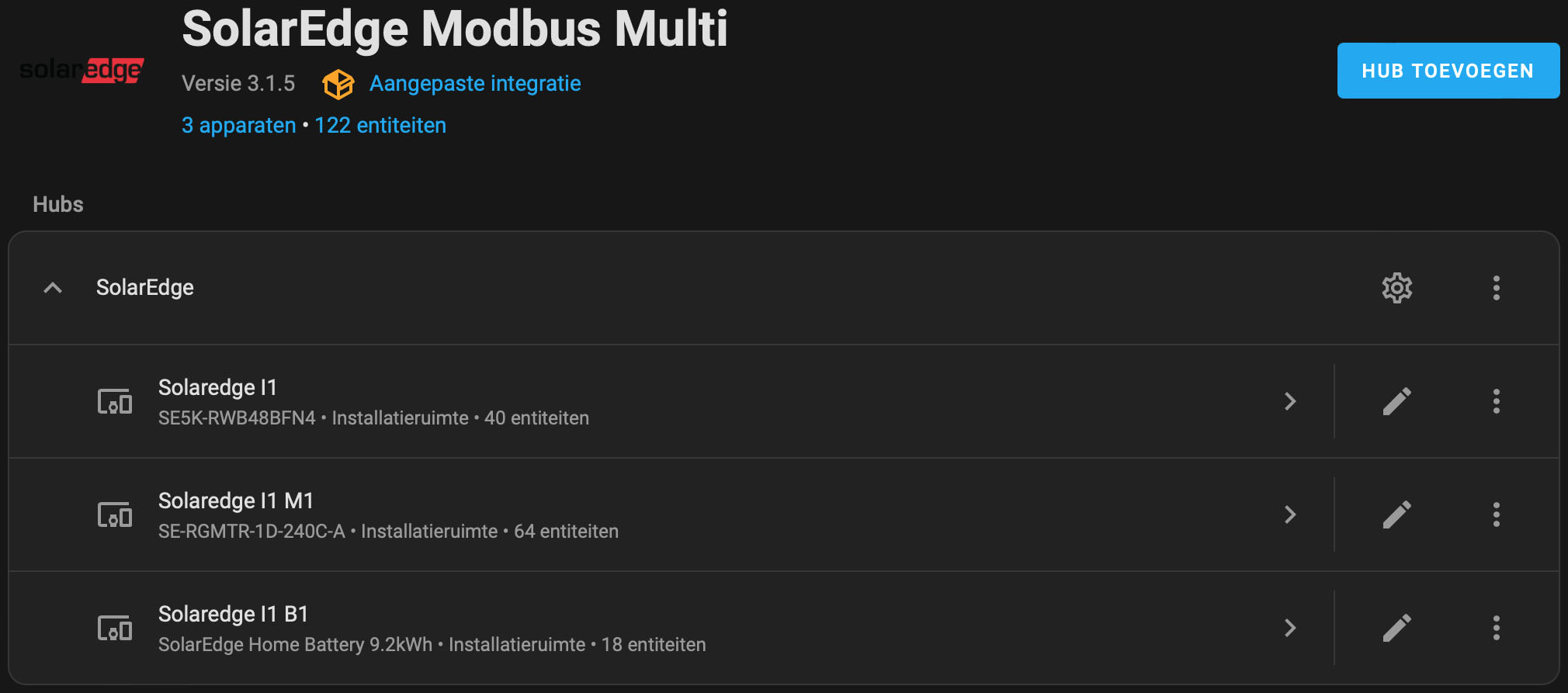
Some inverters had an option for a built-in meter (which was just the external meter inside the DC disconnect case of the inverter) but the installer still had to wire and install the CTs (current transformers) into the electrical panel. Sometimes that doesn’t happen because the panel is too packed tight to fit the CTs.
But for the majority of SolarEdge inverters they don’t come with meters for consumption monitoring and you would have to install a meter separately, which is what I did. It’s installer preference if they included a meter in their proposal, offer it as an add-on, or don’t do meters at all.
I wonder if somebody could point me in the right direction.
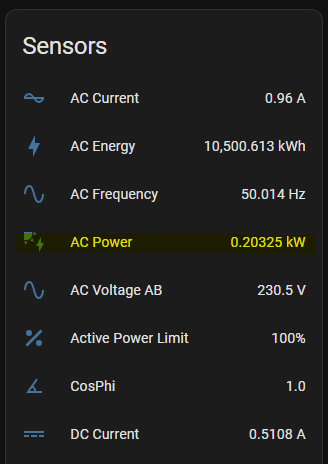
I installed this modbus stuff awhile ago but since I’ve been using it in automations to charge/discharge the battery I’ve noticed that it’s showing a small output from the solar PV at night when its not generating and the battery discharge is being shown as solar generation so the power flows are wrong.
I’ve looked through all the threads and gotten myself totally confused.
Hi all,
I’m trying to set up my SolarEdge Inverter to report to home assistant using Modbus Proxy on a raspberry pi, but haven’t been able to get it working. I can ping the inverter from the pi, but when I run nc -zv Inverter_IP Inverter_Port I get “connection refused”
I read about the 2 minute timeout for SolarEdge inverters for modbus requests, does this mean I need to reboot the inverter, then immediately run modbus proxy against the inverter so as to keep it from timing out?
Can someone point me to a comprehensive doco of how to verify the inverter is sending modbus data?
Hi there, thanks for all the good work appreciate and it helped me lot getting into it. I have similar configuration one inverter and an lg battery. Could someone point me to the post containing the latest configuration yaml considering battery import and export correclty? I think many others are also looking for this Thanks in advance. Cheers Maverick
Hi there. A quick question, has anyone found that the following sensor is showing as no longer available: sensor.solaredge_i1_active_power_limit
I am on version 3.1.1 of the excellent Solaredge Modbus Multi integration. The sensor has been available until very recently. My Inverter firmware version is 0004.0023.0027.
Hi all, I’m trying to get Predbat (v8.22.1) running on Home Assistant with a SolarEdge SE3000Hsetup, but I’m hitting a wall. The add-on launches now, but crashes with this:
Traceback (most recent call last):
File “/config/predbat.py”, line 1398, in update_time_loop
self.update_pred(scheduled=False)
File “/config/predbat.py”, line 672, in update_pred
self.fetch_sensor_data()
File “/config/fetch.py”, line 958, in fetch_sensor_data
raise ValueError
ValueError`
This happens during fetch_sensor_data(), so I’m guessing it’s related to one of the sensor values being missing or invalid.
Here are some of the key sensors I’m using:
sensor.solaredge_i1_ac_energy_kwh
sensor.solaredge_m1_imported_kwh
sensor.solaredge_m1_exported_kwh
sensor.solar_panel_production_kwh
sensor.solaredge_b1_dc_power
sensor.solar_house_consumption_w
I had to disable the load sensor too, any ideas how to make all this work ? thanks
I’ve got most of modbus control working. The thing I can’t figure out is how to pause battery charging but still allow solar to the house and excess exported to the grid.
The specific scenario is I have a window between 8-10am where I get a slight increase in solar FIT. It’s not substantial but I’m not home that time. At the moment the solar charges my battery by around 11am then exports the excess but I get minimal FIT.
I’d like to export all excess solar during 8-10am then when that window has finished continue charging the battery till the next window at 4pm which is ample time to charge my battery to 100%.
I’ve got the remote control setting in modbus multi but can’t figure out the setting to just pause battery charging/discharging
Just turn the charge/discharge rate down to zero for that period. For me, it would be number.solaredge_i1_storage_charge_limit and number.solaredge_i1_storage_discharge_limit
I can’t recall if this affected by the timeout, but if it is, make sure you set the timeout to a longer period BEFORE you set the charge/discharge level.
I have the same issue, and I am also searching for a solution. Did you maybe found one? This is quite annoying and also messed up the daily energy meter, I created in HA.
Hi Timo,
thank you for the reminder. Unfortunately, it looks like I have not solved the problem.
The template in the docs has changed in the meantime, but I guess it does not solve the problem:
    - name: "Power - Consumption"
      unit_of_measurement: "W"
      device_class: "power"
      state_class: "measurement"
      # The net of inverter and grid power
      state: "{{ max([float(states('sensor.solaredge_i1_ac_power'), 0) - float(states('sensor.solaredge_i1_m1_ac_power'), 0), 0]) }}"
      availability: "{{ has_value('sensor.solaredge_i1_ac_power') and has_value('sensor.solaredge_i1_m1_ac_power') }}"
Hi @WillCodeForCats,
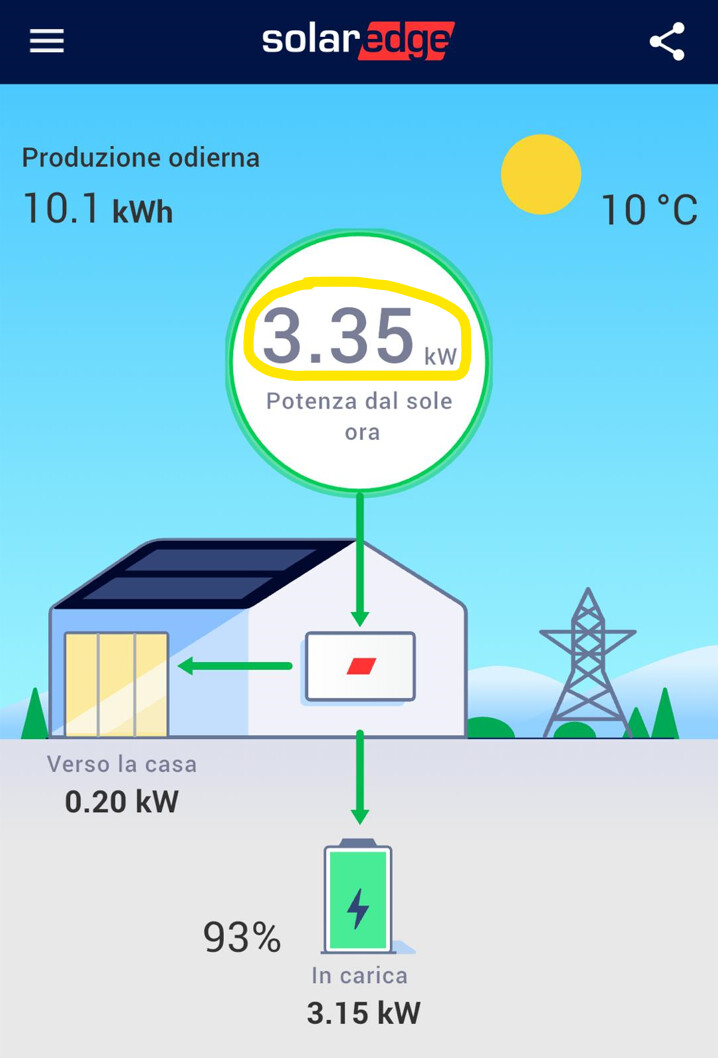
I’ve installed your Integration and enabled ModBus on my SE6000HD inverter but the data I receive in Home Assistant are not compliance with the same on Solaredge App.
For example the Solar Power I expect to be in sensor.solaredge_i1_ac_power have a value that seems to be wrong in decimal position or wrong unit of measurement.
You are seeing 3.35 (solar) - 3.15 (battery) = 0.2 (ac power) from the inverter.
You will need to use templates with a battery. The integration only provides the data that modbus provides, it doesn’t do any internal calculations or change the modbus values.