Maybe the servers that block you are not in your timezone? 
Hi @MobiusOne,
your changes are working for me too. Great work! All of my zones and devices are now available. 
For reference:
- No existing tado integration
- Uploaded the repository from Karl to custom_components/tado
- Changed manifest.json & coordinator.py
- Rebooted my HA instance
- Added the tado integration and did authentication with provided URL from popup
1 Like
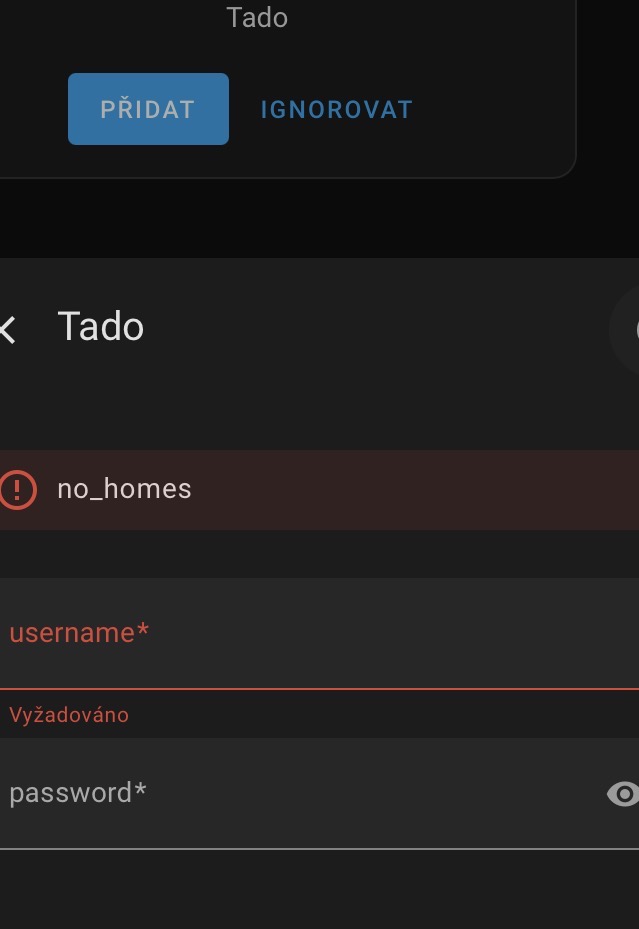
Integration is working for me but I get a LOT of these:
Logger: homeassistant
Source: custom_components/tado/climate.py:375
integration: Tado
First occurred: October 23, 2025 at 12:08:21 AM (433 occurrences)
Last logged: 12:23:10 PM

Error doing job: Task exception was never retrieved (None)
Traceback (most recent call last):
  File "/usr/src/homeassistant/homeassistant/helpers/update_coordinator.py", line 280, in _handle_refresh_interval
    await self._async_refresh(log_failures=True, scheduled=True)
  File "/usr/src/homeassistant/homeassistant/helpers/update_coordinator.py", line 491, in _async_refresh
    self.async_update_listeners()
    ~~~~~~~~~~~~~~~~~~~~~~~~~~~^^
  File "/usr/src/homeassistant/homeassistant/helpers/update_coordinator.py", line 190, in async_update_listeners
    update_callback()
    ~~~~~~~~~~~~~~~^^
  File "/config/custom_components/tado/climate.py", line 365, in _handle_coordinator_update
    self._async_update_zone_data()
    ~~~~~~~~~~~~~~~~~~~~~~~~~~~~^^
  File "/config/custom_components/tado/climate.py", line 375, in _async_update_zone_data
    self._tado_zone_temp_offset["offset_celsius"] = self._tado.data["device"][
                                                    ~~~~~~~~~~~~~~~~~~~~~~~~~^
        self._device_id
        ^^^^^^^^^^^^^^^
    ][TEMP_OFFSET]
    ^
KeyError: 'VAxxxx'
and
This error originated from a custom integration.

Logger: custom_components.tado.switch
Source: custom_components/tado/switch.py:85
integration: Tado
First occurred: October 23, 2025 at 12:08:21 AM (433 occurrences)
Last logged: 12:23:10 PM

Could not update child lock info for device VAxxx in zone YYY
and
This error originated from a custom integration.

Logger: custom_components.tado.coordinator
Source: custom_components/tado/coordinator.py:174
integration: Tado
First occurred: October 20, 2025 at 2:09:38 PM (1125 occurrences)
Last logged: 12:23:09 PM

Unexpected device format: [{'serialNumber': 'IBxxx', 'type': 'IB02', 'firmwareVersion': '274.1', 'connection': {'state': 'CONNECTED'}}, {'serialNumber': 'IBxxx', 'type': 'IB02', 'firmwareVersion': '274.1', 'connection': {'state': 'CONNECTED'}}]
Am I missing something?
worked for me! the exact sequence of restarting HA was the trick.
1 Like
Thanks a lot
It’s working smoothly
Can we use this custom integration to control home/away mode on the Tado app ?
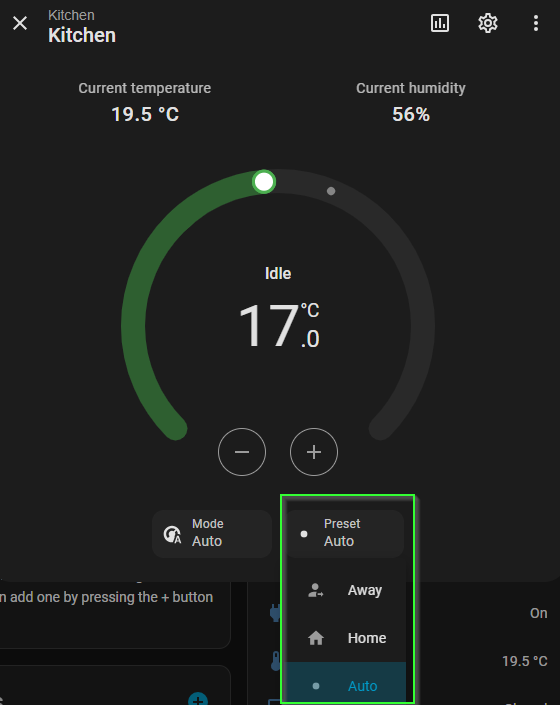
I created a custom repository based on the instructions and some outdated forks so that it can be added directly from HACS as a custom repository
problems
- not sure if this is fixed in the tado official integration and not in the fork we are using with tado-x support, but the authentication seems to expire on every restart of home assistant which is annoying
3 Likes
I wonder why erwindouna (Erwin Douna) is not incorporating the fix in the official Tado component
Works perfect on my side 
I did it like this, and it worked perfectly for me
1. Make sure HACS is installed and running
If not, install HACS first.
2. Open HACS
HACS
Integrations
Click the plus icon in the top right
Search for:
tado-x
If it does not appear, continue with step 3.
3. Add it manually as a custom repository
HACS
Integrations
Top right menu (three dots)
Custom repositories
Add this URL:
https://github.com/girtsn/tado-x
Category: Integration
Save
4. Install the integration
HACS will now show “tado-x”
Install it
Restart Home Assistant
5. Add the integration in Home Assistant
Go to:
Settings
Devices and Services
Add Integration
Search for:
“Tado X”
Log in with your Tado account when prompted.
Everything showed up correctly for me after that.
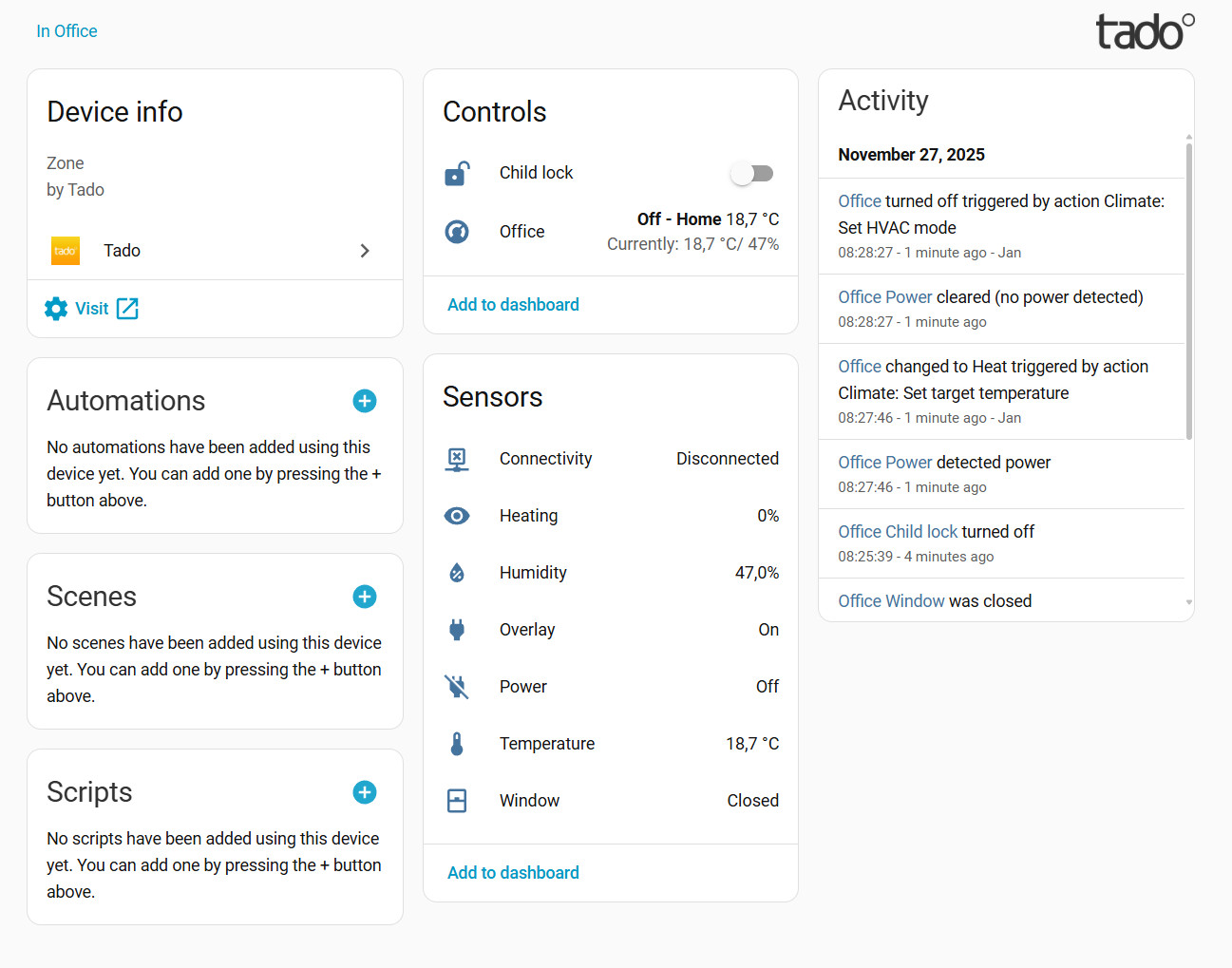
6 Likes
Not working on my side.
Completed to step 4, Tado X shows in HACS, but once HA restarted, “Tado X” doesn’t show up in “Add integration”, only regular Tado.
I’ve completed the steps also. When searching for the “Tado” integration, I only find one. However the open box in the lower right corner indicates that it is the custom integration.
Here working perfectly. Installed like any other HACS custom integration without issues.
Also working here except window open sensor don’t seem to update
Whether it is by design or accident, the “power” sensor associated with each room is normally “on”, but goes “off” when the window open state is activated.
Installed this custom components and got 4 devices and 18 new entities but I am unable to create a thermostat helper.
How to control Tado X from HA ? is it possible ?
Just add a thermostat to your dashboard and set it to the climate entity associated with the room you want to control.
1 Like
Hi everyone,
I’ve been using the Tado X integration in Home Assistant without any issues for several weeks.
Recently, I reconfigured my entire Tado system in the official Tado app (new room setup, restructuring, etc.).
Since that moment, the integration no longer works at all.
Home Assistant now always shows the following error during setup:
Setup failed: Device login flow status is PENDING. Starting re-authentication
What I’ve already tried (without success):
- Removed the Tado X integration from Home Assistant
- Deleted the Tado integration completely
- Manually removed the /config/custom_components/tado/ folder
- Cleaned config entries related to Tado
- Restarted Home Assistant multiple times
- Deleted the entire home in the Tado app and created a new one
- Re-added all devices in the Tado app from scratch
Despite all of this, the error persists and the login flow never completes.
The system worked perfectly before I changed the setup in the Tado app, so it feels like something is stuck or broken on the account / device side and cannot be recovered through Home Assistant alone.
Has anyone experienced this issue after resetting or restructuring a Tado X system?
Is there any known workaround, cache reset, or server-side fix required from Tado?
Any help would be greatly appreciated.
Thanks in advance!
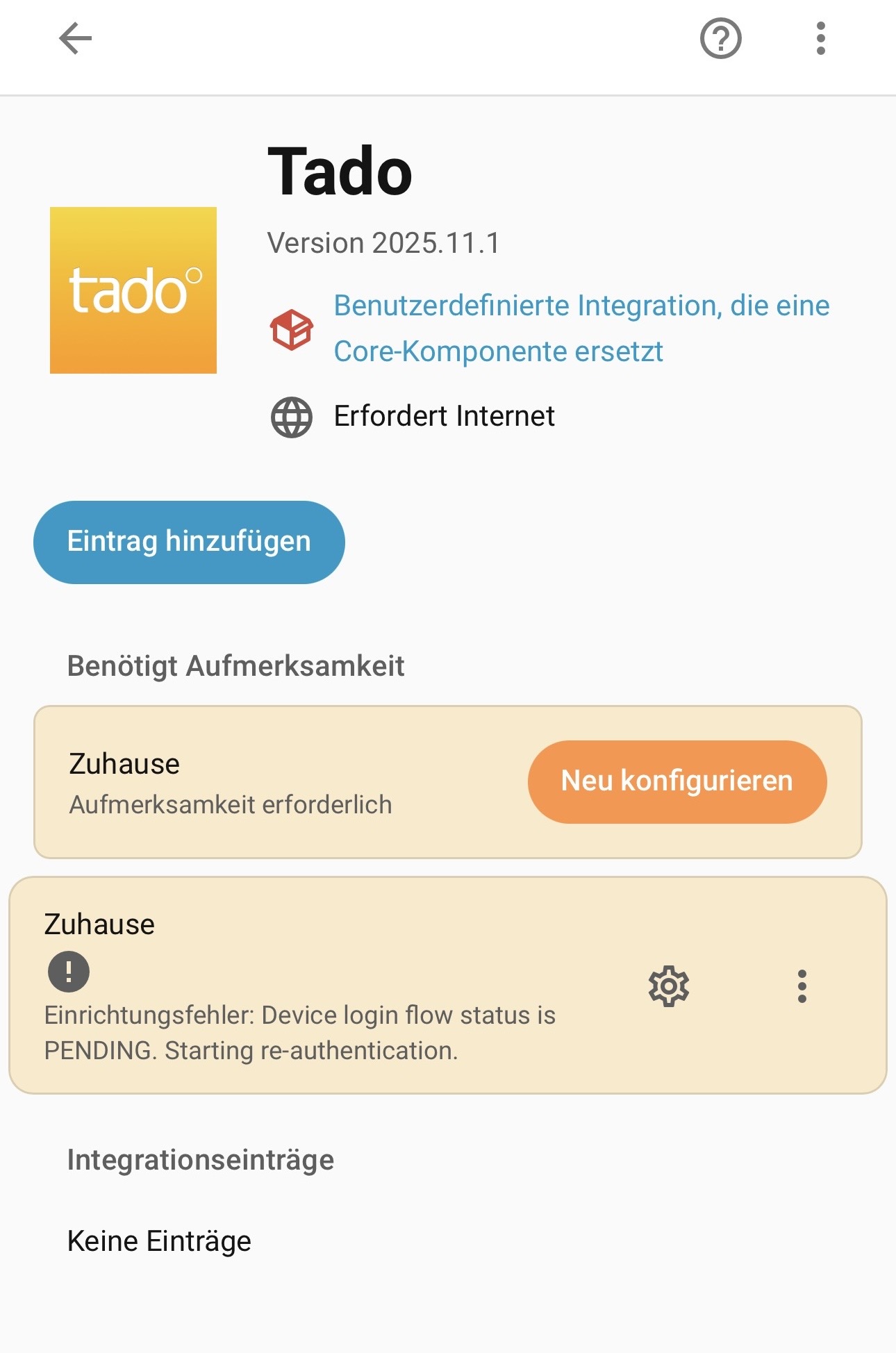
I’m a bit wiser now, but somehow also not.
In the tado° app, I removed my tado° X Bridge and deleted the entire home. After that, I set up tado° purely via Matter, because I wanted to operate without the bridge and use a Thread network.
As a result, the thermostats are running via the Home Assistant Thread network.
Both the tado° app and the Matter thermostats in Home Assistant work perfectly fine — only the tado° integration does not.
If I then add the tado° X Bridge back to the tado° app afterwards, the tado° X thermostats continue to run via the Home Assistant Thread network, but suddenly the tado° integration works again without any issues.
So is it possible that the tado° integration only works when the tado° X Bridge is present, even though the tado° app itself works without the bridge?
Somehow, this whole setup doesn’t really make sense to me.
Posting just in case helps someone. I have been dealing with all kind of issues since the very beginning and it never worked for me (I posted several times with different issues).
I was ready to give another crack with a quick fix in the code to solve the “out of range” problem, but when I tried, it worked perfectly, without any changes after adding the custom module of course. I just needed to re-login twice in months.
I have been trying to find why it works now and there are only 2 significant changes in my config.
The first one is that I added all devices to matter, and I needed to factory reset some of them to do that. I think this is not related.
The second one is that I needed to add a Tado bridge to my installation, replacing my previous thread router (an Apple TV). To do that and ensure that the bridge was the main router, I reset all devices. I think the integration doesn’t handle something propperly if you are not using Tado Bridge, sadly I can’t confirm it since I don’t have traces from the integration.
That would confirm my assumption that the integration seems to explicitly look for a Tado Bridge in order to function correctly.
I did some additional testing and noticed the following:
I added the Tado Bridge afterwards. The devices continue to work normally in the Tado app, even though the bridge does not actively perform any function. Even if I completely disconnect the bridge from power and it shows up as offlinein the app, everything still works — as long as the bridge is not removed from the Tado app.
As soon as I completely remove the bridge from the Tado app, everything still works within Tado itself, but the Tado integration in Home Assistant stops working.
From my point of view, this should be improved so that the integration also works without a physically present or active Tado Bridge. Personally, I don’t mind keeping the bridge listed as offline in the Tado app, but technically the integration should not depend on it.