Apparently so.
The included instructions are terrible.
Here is how I did it.
Not sure if you have the HACS add on yet.
I already do, so this is how once you have it.
Open up HACS
Tap on integrations

Tap the 3 dots and then custom repositories

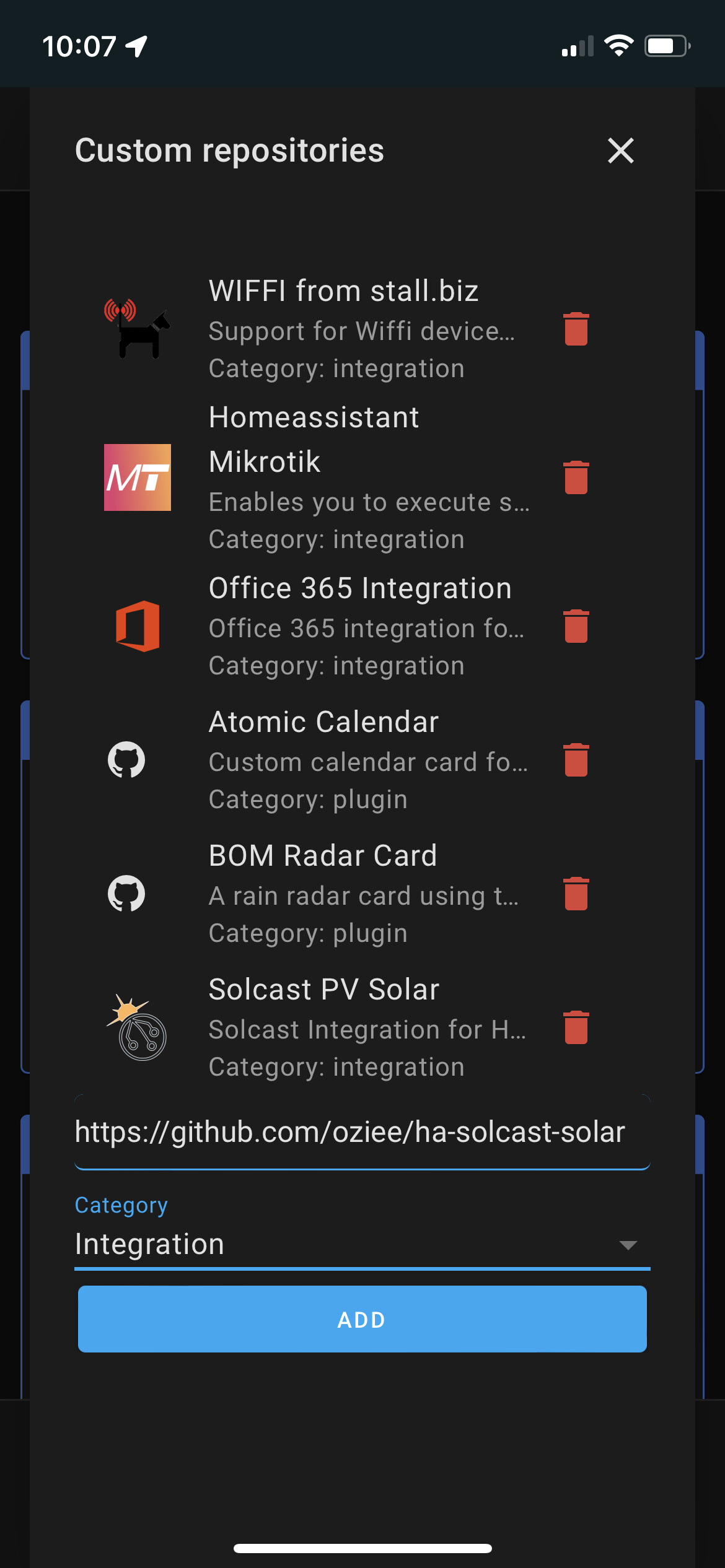
Paste this into the repo field and press add https://github.com/oziee/ha-solcast-solar
Then go to configure / integrations / add new and search for solcast and paste in the api key and the site id

Then in configure /energy you can add forecast
