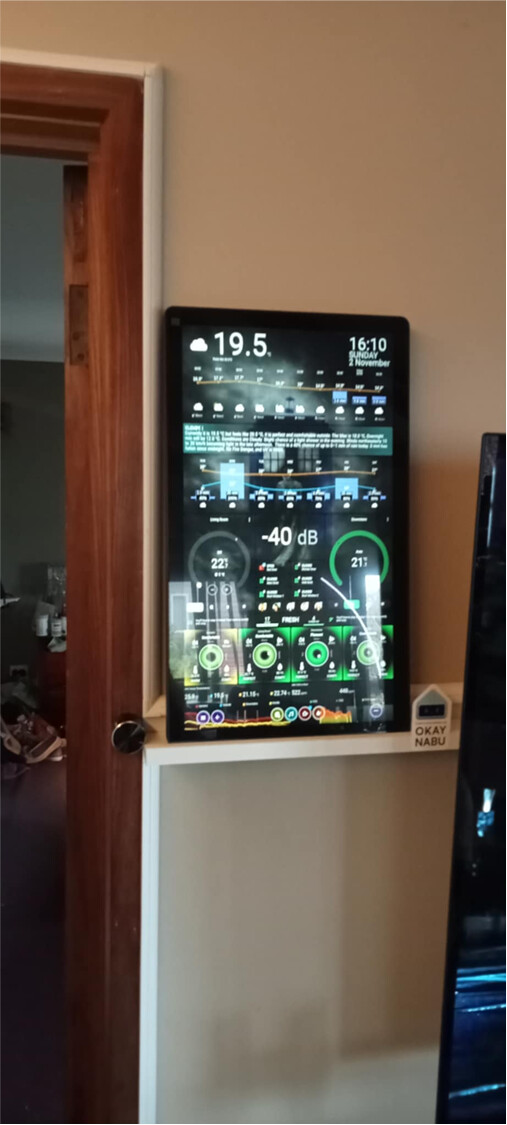
Waveshare 21.5" Kiosk Display
Features
Monitor
- The monitor HDMI EDID is portrait orientation by default (No need to change settings in Pi)
- There is many settings on the Monitor (Main ones to worry about)
- The screen is very bright I turned the back light to 0 and it looks pretty good.
- Setting the back light on will overcome any glare you have.
- Set colour mode to Movie
- It is a commercial style display with toughened glass.
- It comes with screws, spacers and internal fan.
- The screws for your VESA Mount will be with the mount.
- Two screen protectors come with the monitor, one layered on top of the other and pre-installed
Performance
- With a minimum of 8GB in each Pi the Dashboards displayed using TouchKio load and scroll very fast. Comparable to using dashboards on my i7 Computer
- I would recommend getting no smaller than 8GB Pi, it is a vast improvement on my old Pi400 4GB.
- My dashboards are quite heavy see this topic for details Dashboard Hardware and Control
- My Home Status Dashboard, runs 3 models of Floor 3D Card with Swipe Card. Conditional Cards including Music Players.
- 3925 lines of YAML in total.
- My Weather Dashboard is full of conditional cards including Music Players
- 7651 lines of YAML in total.
- My Home Status Dashboard, runs 3 models of Floor 3D Card with Swipe Card. Conditional Cards including Music Players.
- Thermals and Performance Snapshots over time
Pi 500 8GB Install
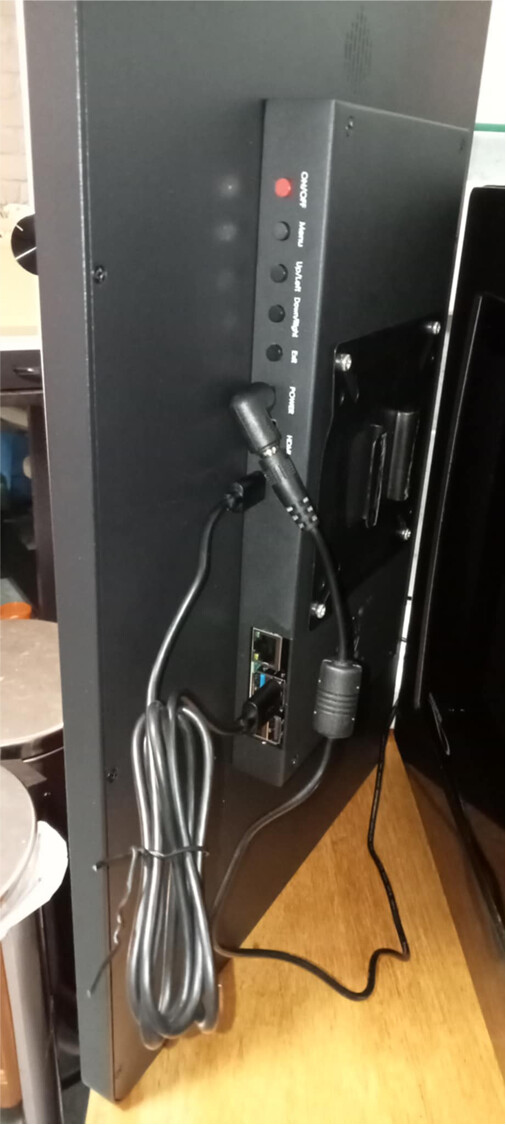
- One Power Cable for the Monitor
- Pi500 powered separately with its own Official Raspberry Pi 27W USB-C
- Touch USB-C and HDMI connected to the monitor, Pi500 mounted remotely.
Pi5 16GB install
- One power cable to monitor powers both the monitor and the Pi5 (When installed inside)
- A USB cable runs from the Pi5 to the Touch USB on the Monitor
Note on power with Pi5
- NOTE: I am in discussions with the manufacturer at the moment, but the Pi5 comes up with the “Power supply is not capable of 5V 5A, power to peripherals will be restricted” warning when starting up, even though a 12V/5A power supply is plugged into the monitor. This reduces the power output of the USB ports to 0.6A.
- The manufacturer is working on a solution to ensure 5V/5A gets to the Pi5, through the monitor board.
- The Pi5 is still perfectly functional but when trying to hook anything else to the USB port, the touch screen responds intermittently.
- I am yet to try the below to over come the issue. The Pi5 is not throttling.
Open the EEPROM config:
sudo rpi-eeprom-config --editAdd the following line to remove the 3 A limit and allow 5 A:
PSU_MAX_CURRENT=5000Save and reboot.
- I will keep you up to date on progress with the power but I may have to resort to a separate power supply for the Pi5 or POE+ HAT
POE HAT Option
Items Required
- Waveshare 21.5" FHD Monitor
- Waveshare 21.5" FHD LCD Panel Cheaper for mounting into something.
- Pi Computer (I went with the Pi5 16GB and a Pi500)
- Active Cooler if using Pi5
- Screen comes with a fan (has to be uninstalled using Pi5 Active Cooler)
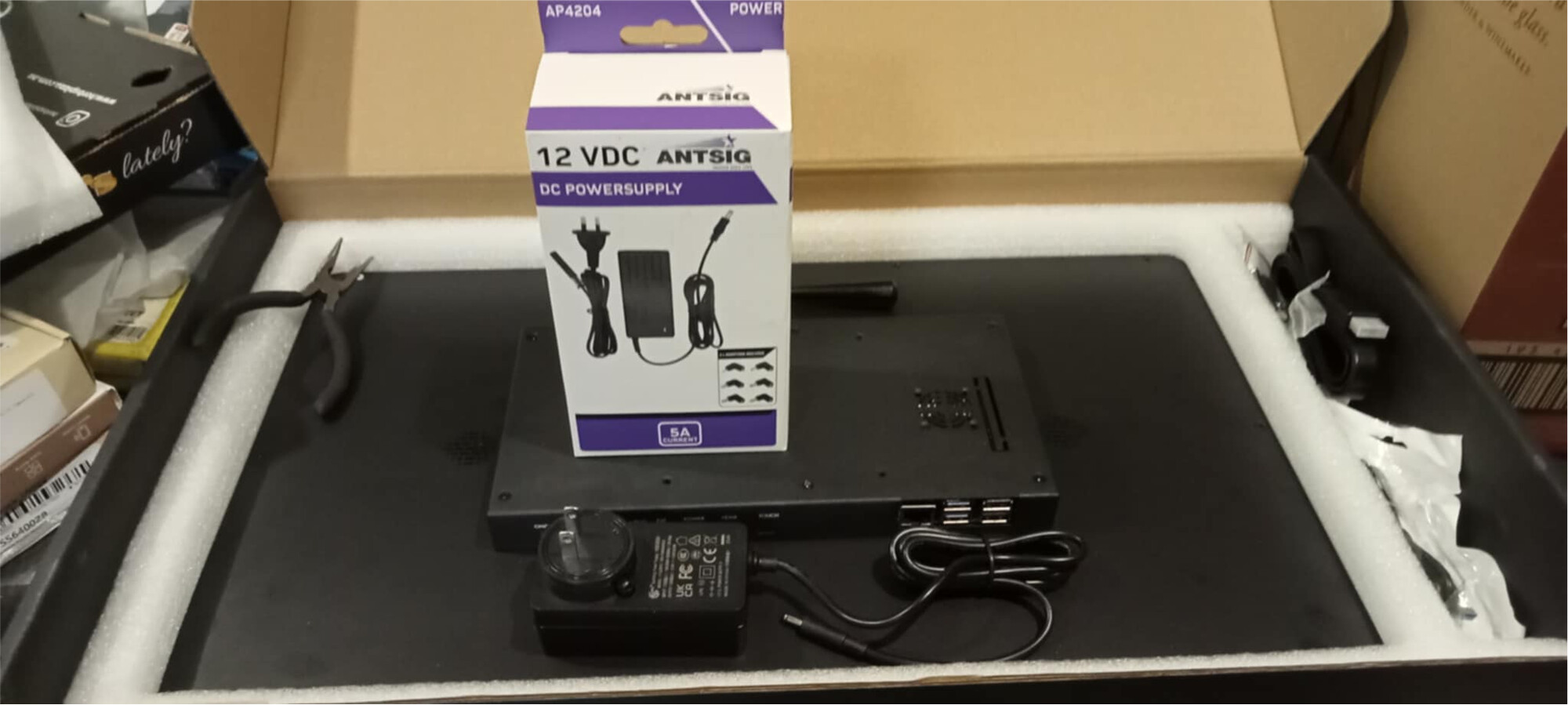
- 12V/3A or 12V/5A Power supply comes with screen depending on your request US, EU or UK plug
- For Australia I bought a native Anstig 12V/5A AU Power Supply (I hate adaptors)
Instructions
-
It come very well packed
-
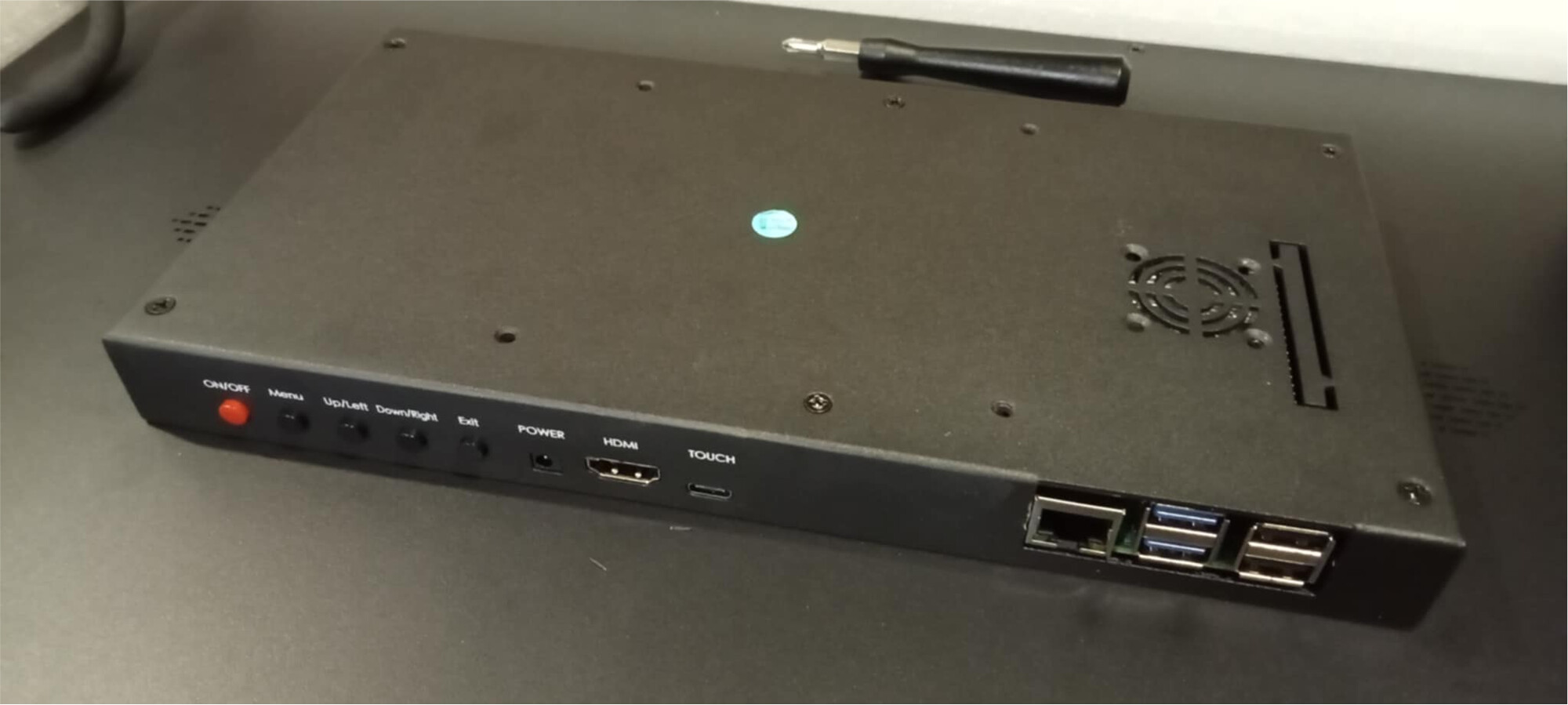
Undo the screws on the back panel
-
Remove the cutouts as required
-
Once the panel is open you can remove the fan if required
-
Install your Pi
-
Spacers and screws are available in the box, so you pi lines up with the ports
-
For my Pi500 I just connected to the inputs available on the Monitor
-
Put the cover back on
-
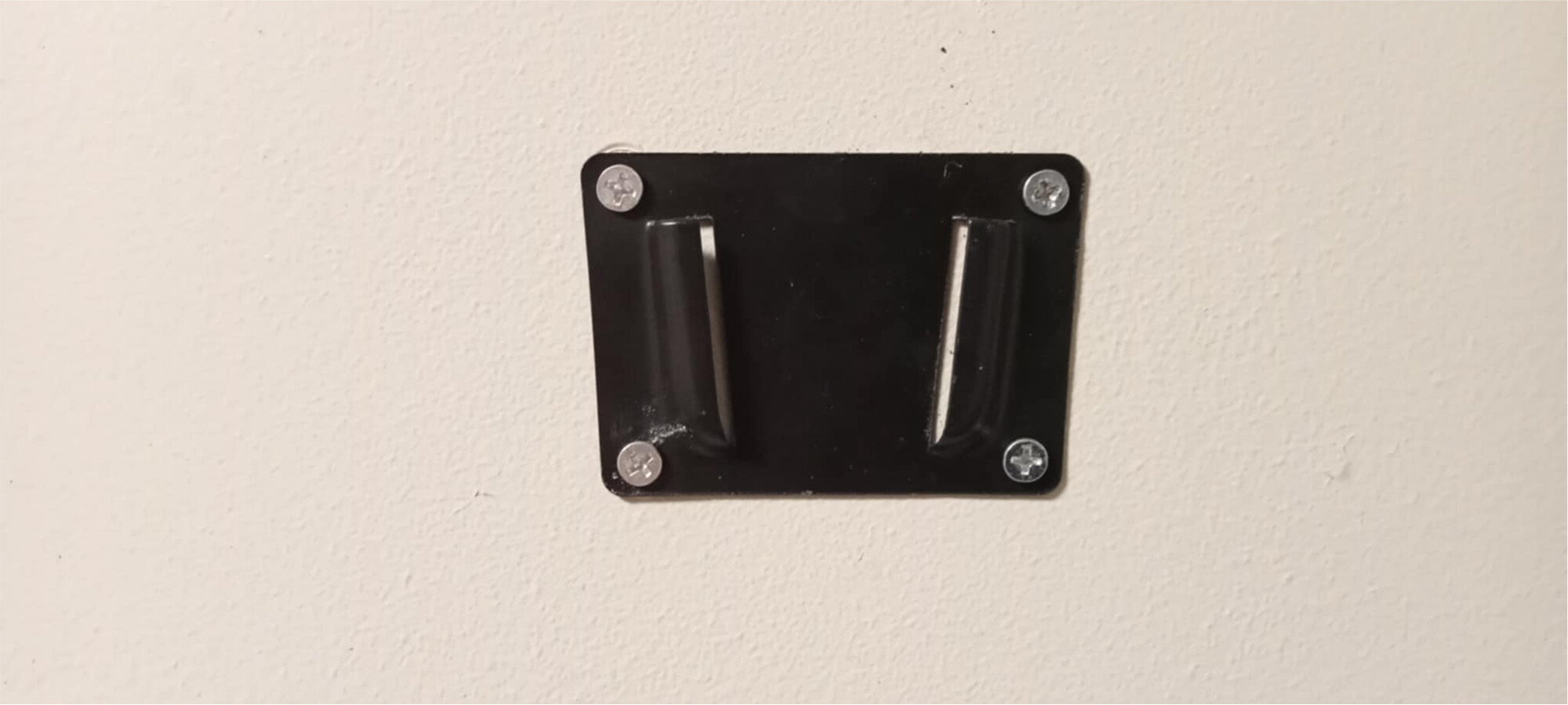
Install your 100mmx100mm VESA Mount (Screws with mount and not included in box)
-
Ensure your USB-C Touch Cable is connected
-
Australian Power Supply (use the red one) VS Original
-
Install the latest version of Raspberry Pi OS and fire it up
-
NOTE: Animated Nabu Eyes Voice Avatar on Ulanzi Awtrix3 Clock (Coming Soon)
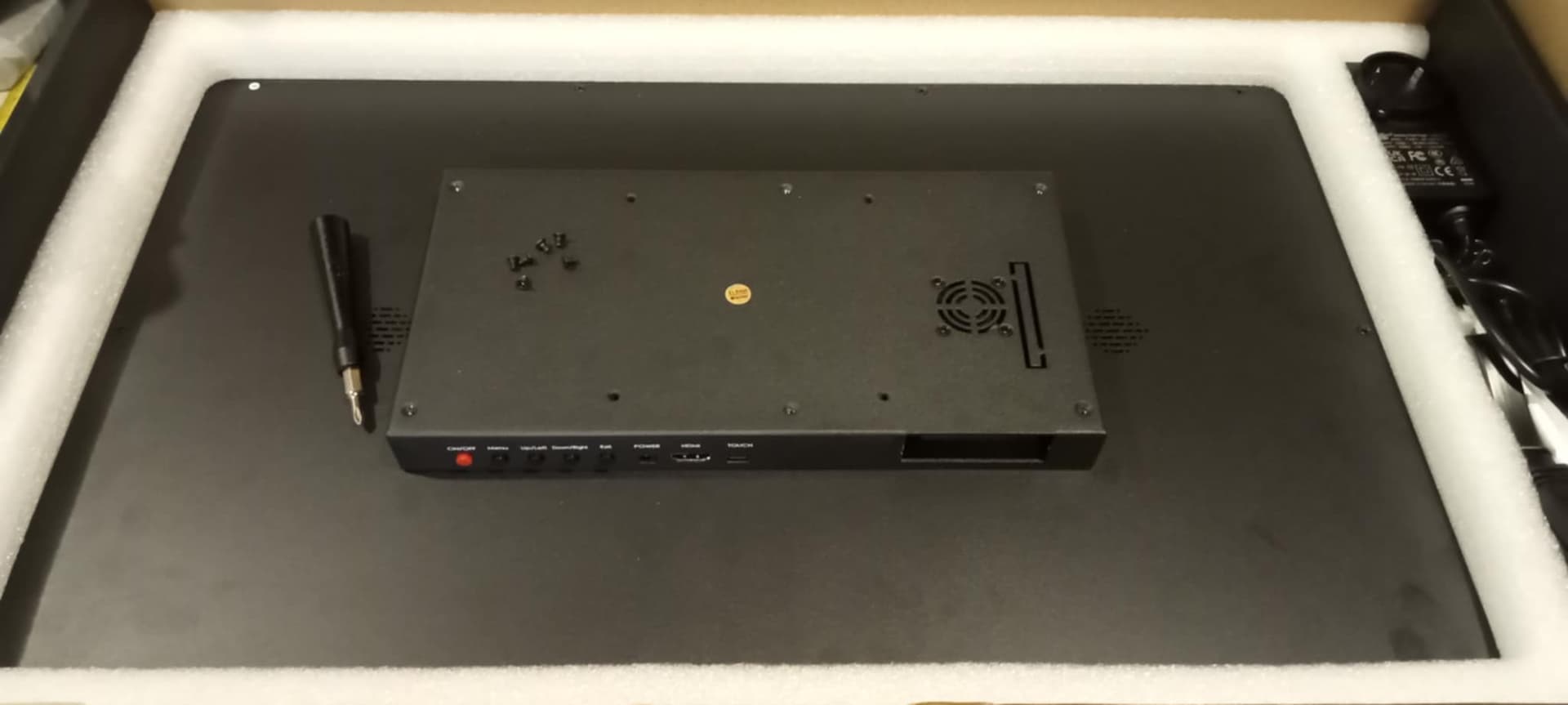

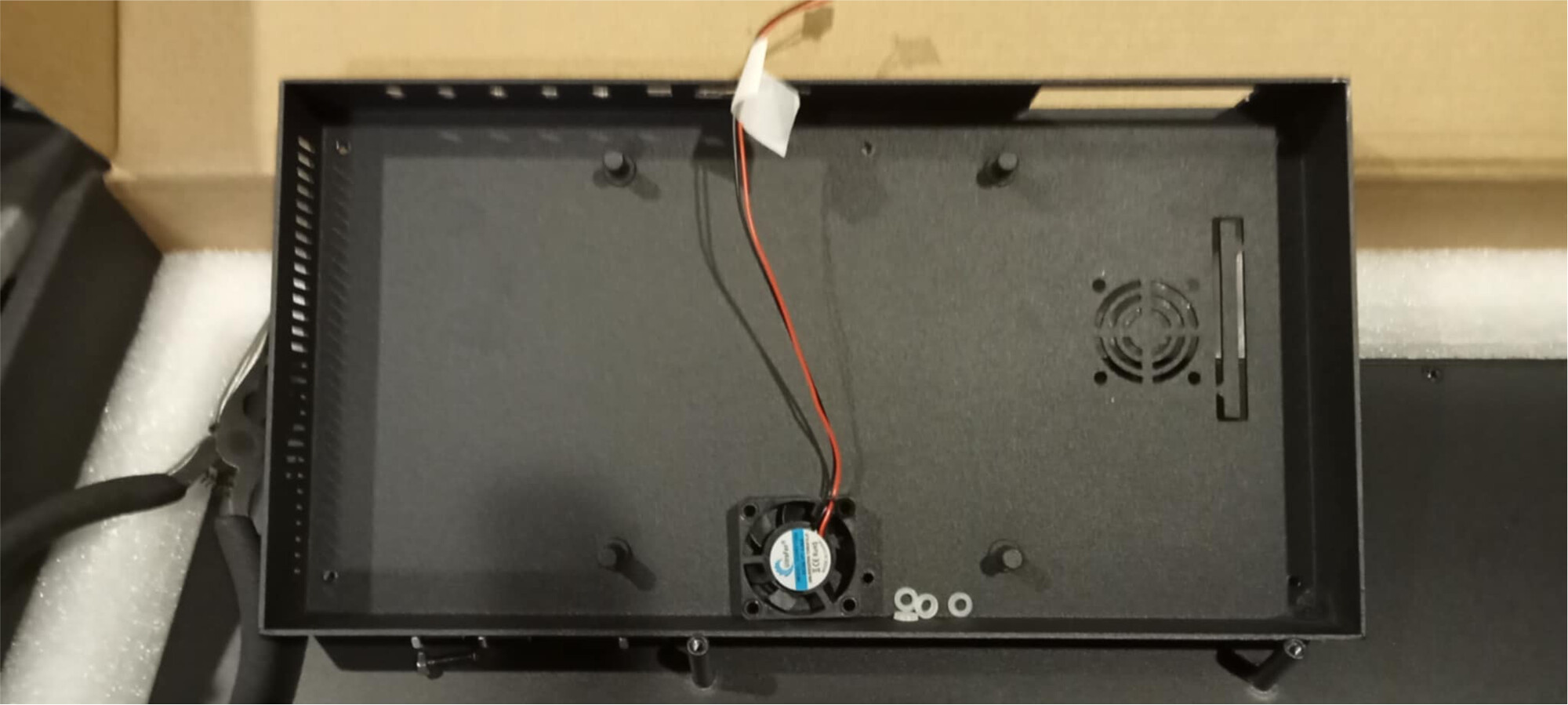

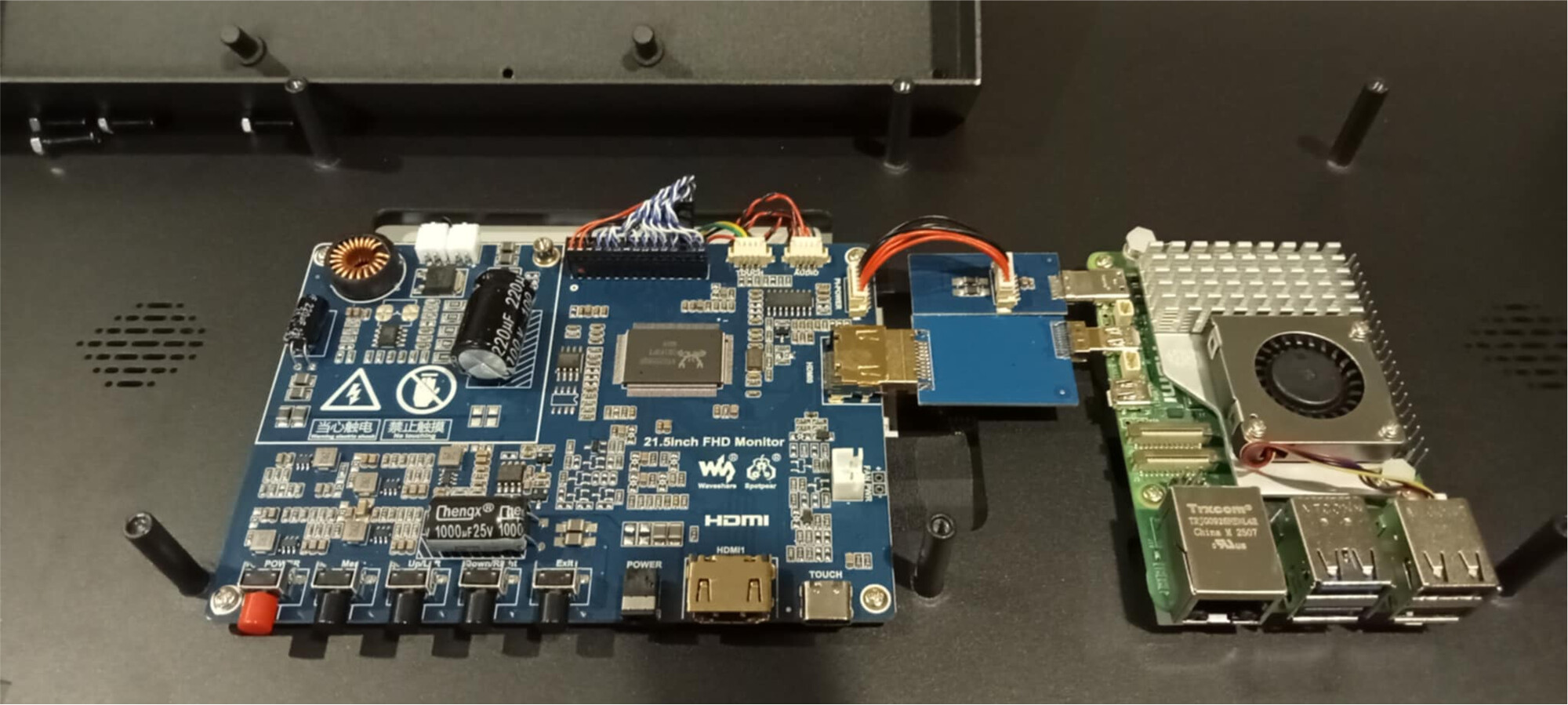



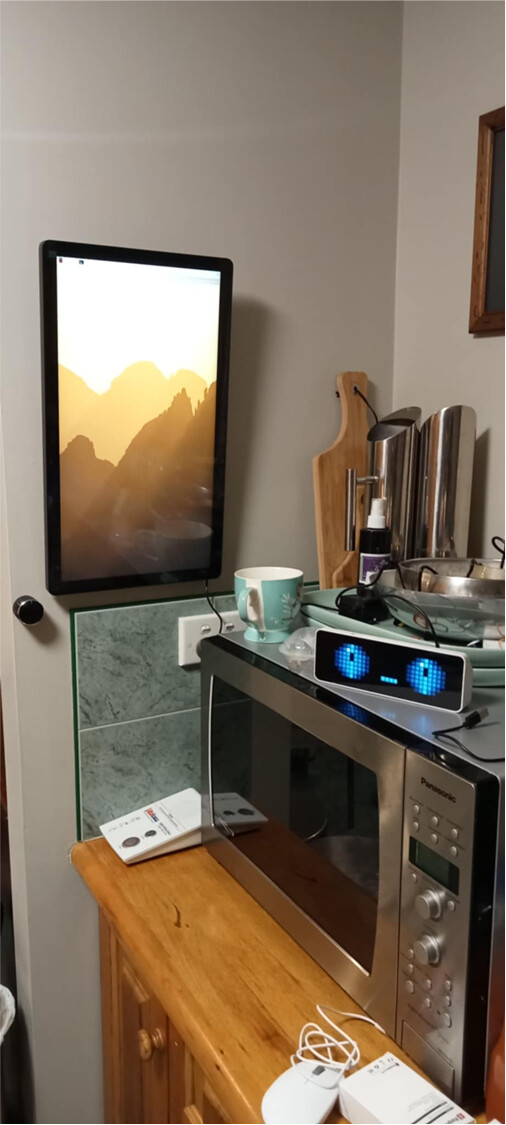
Pi5 Version
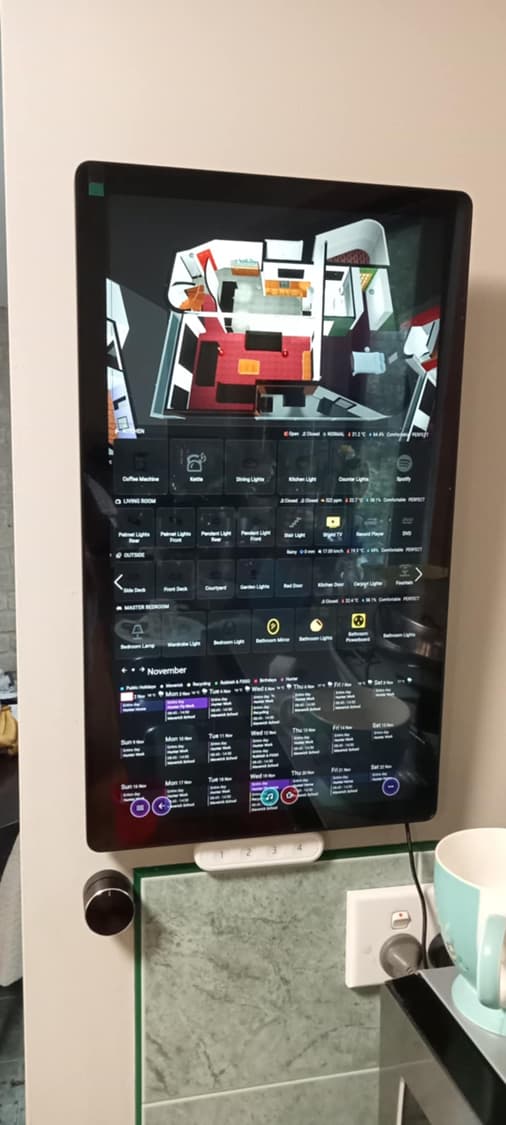
Pi500 Version