This blueprint provides multiple ways to trigger any chain of actions:
Press "on"/"off" button
Double press "on"/"off" button - These virutal events are disabled by default. When enabled (with related Expose option), there will be a slight delay (corresponding to the Helper - Double press delay value) on the single press action(s)
Hold "on"/"off" button
Nota Bene
This blueprint is using single mode on purpose: to avoid double press actions triggering both single AND double press events. As a consequence, buttons release event is not exposed as it's used to cancel the hold action(s)
Blueprint
(deprecated) v2 without Bilresa support
(deprecated) v1 without Somrig support and with old trigger syntax
Changelog
3.0.0: add IKEA Bilresa (Z2M)
Breaking changes
Due to the addition of Bilresa remote, the following blueprints were moved in order to generify their names and avoid future naming inconsistencies:
ikea_E1743-E2201-E2213_ZHA-Z2M_control-anything.yaml to ikea_remotes_control-anything.yaml
ikea_E1743-E2201-E2213_ZHA-Z2M_control-light.yaml to ikea_remotes_control-light.yaml
Deprecation notices were added with a migration guide to update existing automations to use the new blueprints urls
Features
chore: Add filter for RODRET wireless dimmer with different model name by @dkarzon in #30
feat: add alternative Rodret name by @damru in #32
Just a small note, as I have just bought the Rodret, and had a small challenge with connecting it to my Zigbee network.
It has to be reset before I could connect it. The reset isn’t described in the short guide in the box, but can be found here: https://www.ikea.com/ca/en/manuals/rodret-wireless-dimmer-power-switch-smart-white__AA-2389077-1-100.pdf
To reset the Rodret, quick-press the pairing button 4 times (within 5 seconds). It will flash red in the diode afterwards, and it can be discovered by HA.
“If anybody need help setting this up just ask”
I have Zigbee2Mqtt but I don’t know how to use the code you posted. What is a ‘coverter extension’? Is it an extension to the ZHA blueprint?
I’m using HA with ZHA. I was able to get everything to work. I connected the switch (via my Conbee stick). I was able to create an automation using this blueprint. The automation just toggles 1 light.
The problem is there is a delay. With my other remotes (I have a few Styrbar remotes, and some tradfri remotes) my lights seem to turn on instantly. With the Rodret there is a 1 second delay before the light switches.
I tried a few different lights in my home and got the same thing. I tried two different Rodret remotes and got the same. I also tried the “light” version of the blueprint. Always a delay.
When I look in the logbook of my HA it appears the other remotes, when pressed, show up instantly in the logbook. The Rodret takes a second or so.
Regarding this blueprint, it could probably be related to the double press action being enabled through expose on/off double press event options. When this is enabled, there is a delay which is used to wait for a second click to happen, and if not, the single press action is finally triggered.
You can disable it to check.
For the Light blueprint, as there is no double press event exposed, it could be that the light.turn_on/off service is called with
data:
  transition: 1
And then your light is indeed waiting 1sec to turn on/off without diming.
You can try to manually edit the Light blueprint to see if removing this fixes the issue. If that’s the case, I could push a new version making the transition time a blueprint option.
I updated and restarted my HA. Interestingly, the advanced blueprint automation is now working nicely. No delay. The automation based on the lighter blueprint is still delayed.
I figured out how to edit blueprints. I removed one instance of data: transition: 1 and it broke the blueprint. I’m not sure how to do that.
The behaviour I’m getting is erratic. I am now only using this blueprint, not the simple one. The simple on e seems to always have a delay. Using this blueprint I sometimes get a delay, though not always. Sometimes if I toggle a light it works but a few seconds later toggles it back.
Is there a way to add an action on the release from hold?
I would like to use these dimmer switches for curtains and have a setup where a single press is open / close and a hold is start opening / closing till the button is released.
Looking at the events there is a event fired when the button is released from a hold so it should be possible to add an action like with the others
I’ve made an automation for the old Ikea dimmer switch but I would like to replace them with the new RODRET since the CR2032 batteries in the old one are awful and need to be replaced way to often
Yep, sorry about that but this is intended to avoid other overcomplicated mechanisms for double press events mostly.
What you could do still, is bypassing the blueprint by copying the sequence that waits/stops from hold action and add your action before actually stoping.
eg: (I assumed that you dont need to loop on the hold action, so the wait > timeout mechanism is a bit different from the blueprint)
      - wait_for_trigger:
          - platform: event
            event_type: zha_event
            event_data:
              device_id: <your remote's device_id>
        timeout: # this block is optional, remove if you dont want to timeout
          milliseconds: <value> # whatever value you want to handle in case of "release event" is never received
      - if:
          - condition: and
            conditions:
              - "{{ wait.trigger.event.data.command == 'stop_with_on_off' }}"
              - "{{ wait.trigger.event.data.cluster_id == 8 }}"
              - "{{ wait.trigger.event.data.endpoint_id == 1 }}"
        then:
          - <your specific action to stop the curtains>
          - stop: button released
Do not forget the stop at the end to avoid the script from running indefinitely (the blueprint will take over at this point and wait again for a release event otherwise)
There’s a pull request for a zha quirk to expose it as events if people are looking for an alternative (it’s largely a simplified Tradfri 2-button switch.
 Control anything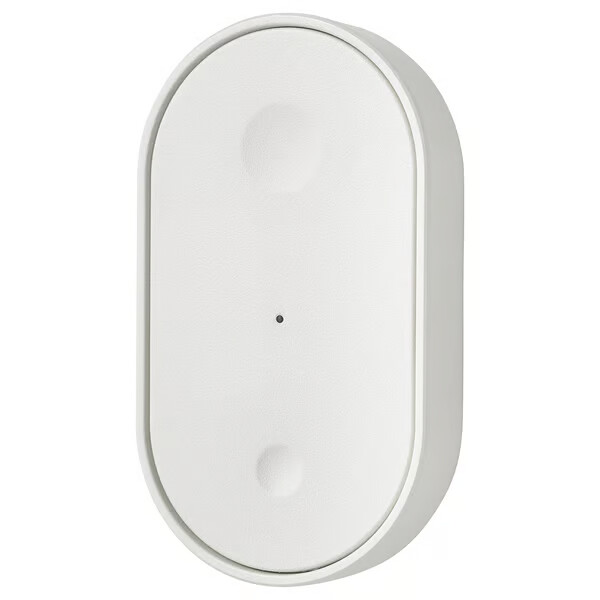
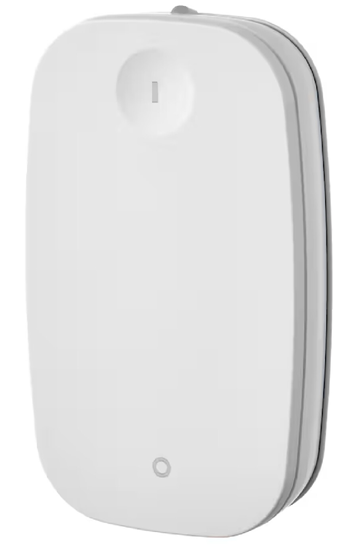
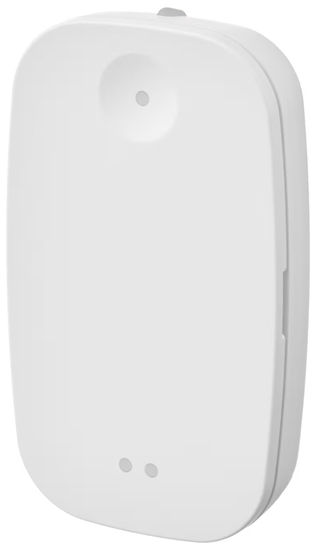
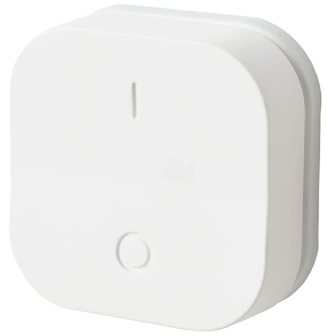

 Features
 Press "on"/"off" button
 Double press "on"/"off" button - These virutal events are disabled by default. When enabled (with related Expose option), there will be a slight delay (corresponding to the Helper - Double press delay value) on the single press action(s)
 Hold "on"/"off" button
 As a consequence, buttons release event is not exposed as it's used to cancel the hold action(s)
 Blueprint
 Changelog
Breaking changes
Deprecation notices were added with a migration guide to update existing automations to use the new blueprints urls
Features
Fixes
 Check the code

 (the blueprint will take over at this point and wait again for a release event otherwise)